


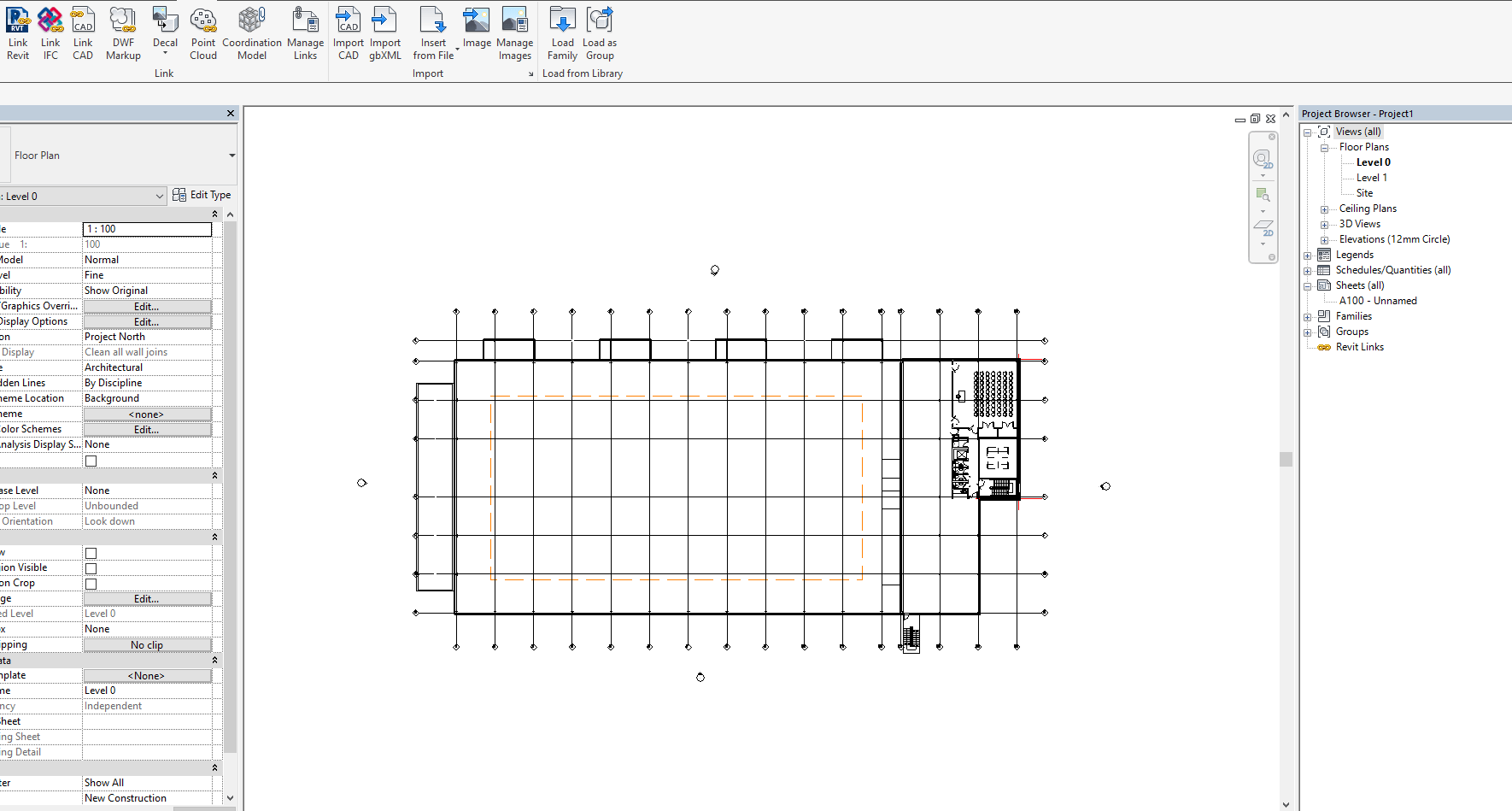
Revit has great features for using your linked files for underlaying using to trace over in both 2D or 3D. Using halftone, you can easily distinguish what is your doing and what is underlay. But how do you change your Halftone/Underlay options in Revit?
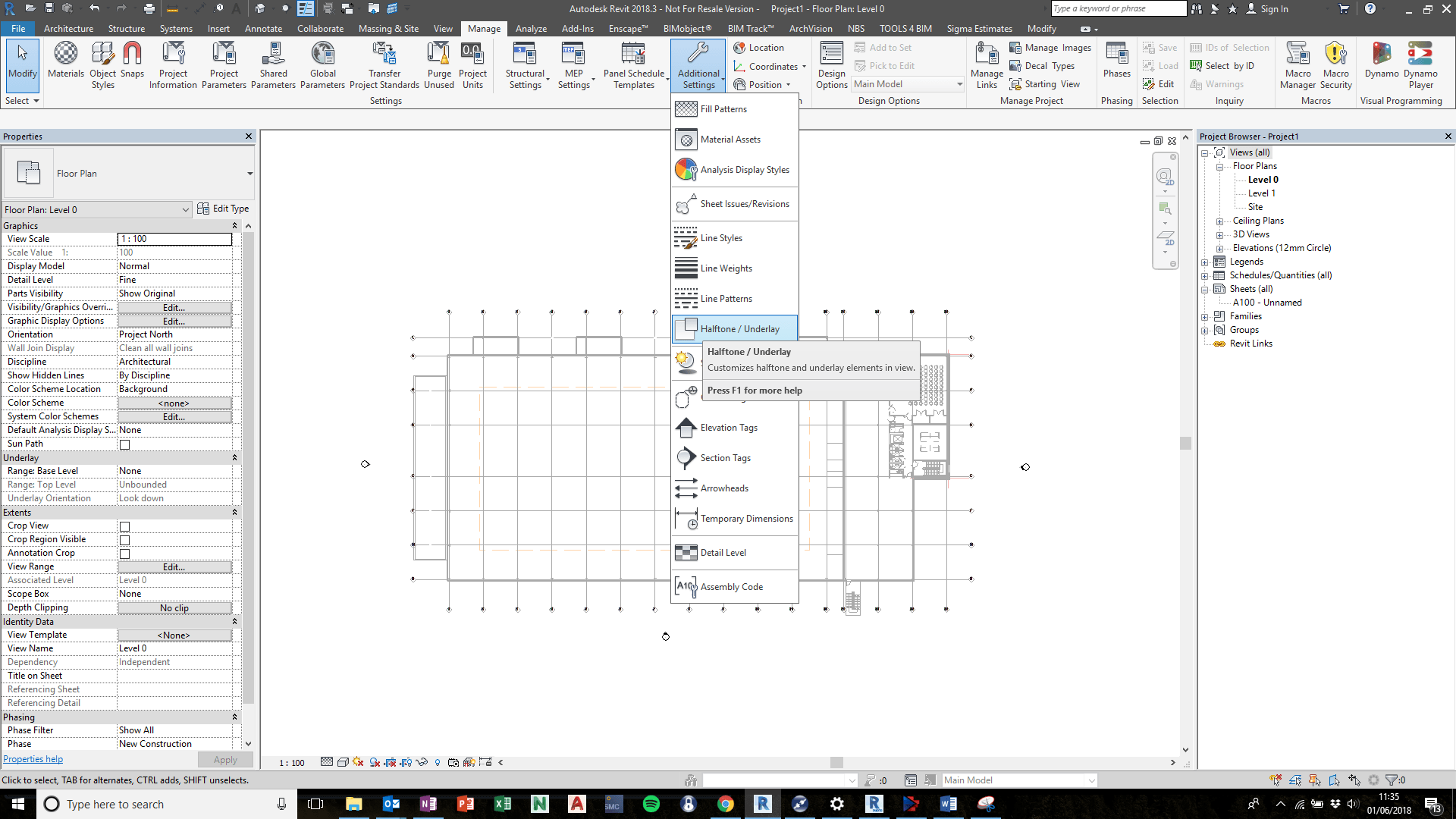
Manage > Additional Settings > Halftone/Underlay
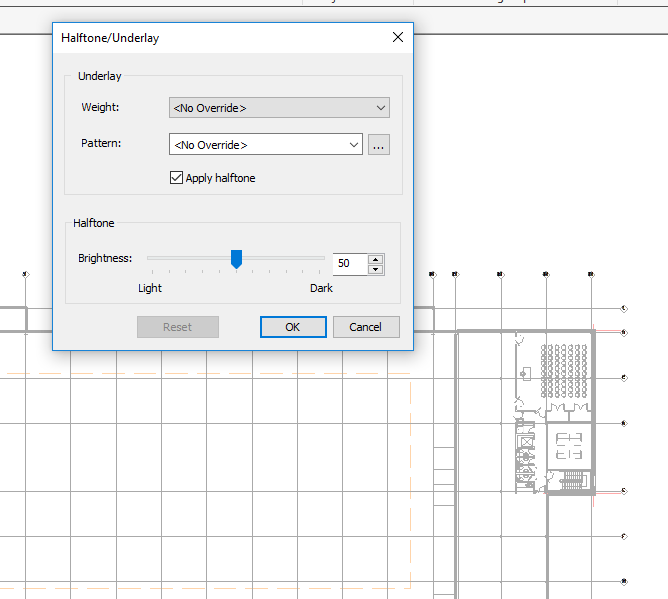
Consider when using this, it is project wide and will affect all halftone/underlay.
Still got Questions?
Book Training
Our Revit courses cover everything from the skills required to use the software, to design and share information between project teams, through to creating custom family elements.
Contact Us
We are here to ensure you receive a consistently high service and quality solutions for your business needs. We promise you won’t regret speaking to us, and if we can’t help you, we will try to find someone that can.