


Error:
“Revit cannot run the external application “Collaborate”. Contact the provider for assistance. Information they provide to Revit about their identity: Autodesk, www.autodesk.com”
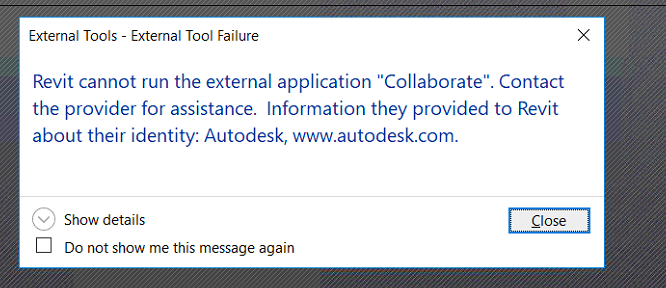
This is commonly caused by the version of Revit and the Collaboration for Revit plugin not matching.
This can easily be solved by uninstalling Collaboration for Revit and downloading and installing the latest version.
It is also recommended that you clear the Collaboration for Revit folder located in “C:\Autodesk”.
Steps:
- Go to Control Panel
- Go to Programs and Features and find Autodesk Collaboration for Revit and uninstall.
- Download the latest version of Collaboration for Revit from here: https://knowledge.autodesk.com/support/revit-products/downloads/caas/downloads/content/autodesk-a360-collaboration-for-revit-2015.html
- Install Collaboration for Revit.
Still got Questions?
Book Training
Our Revit courses cover everything from the skills required to use the software, to design and share information between project teams, through to creating custom family elements.
Contact Us
We are here to ensure you receive a consistently high service and quality solutions for your business needs. We promise you won’t regret speaking to us, and if we can’t help you, we will try to find someone that can.