


Have you ever seen a family in a Revit project which you would love to use yourself? Or maybe you have lost the original family file and want to recover it from a project you have used it in?
Well here is how to save a Revit family out of a project in 5 simple steps.
1. Find or place an example of the object in a project
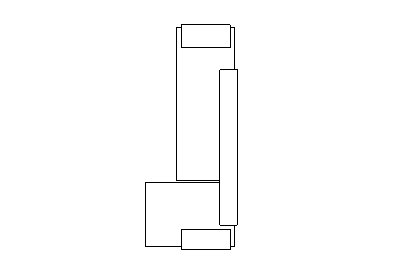
2. Select the object
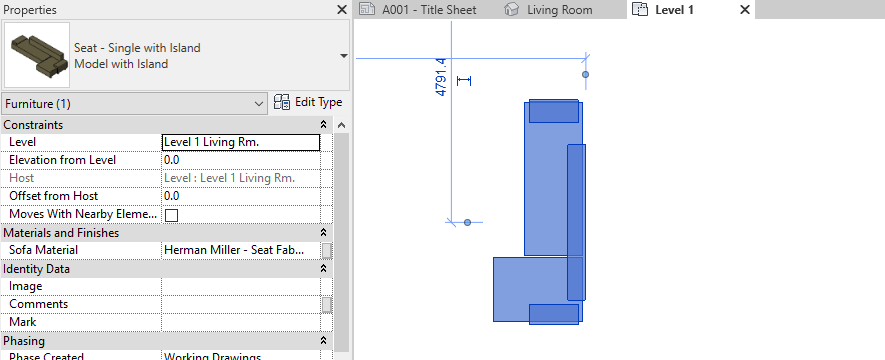
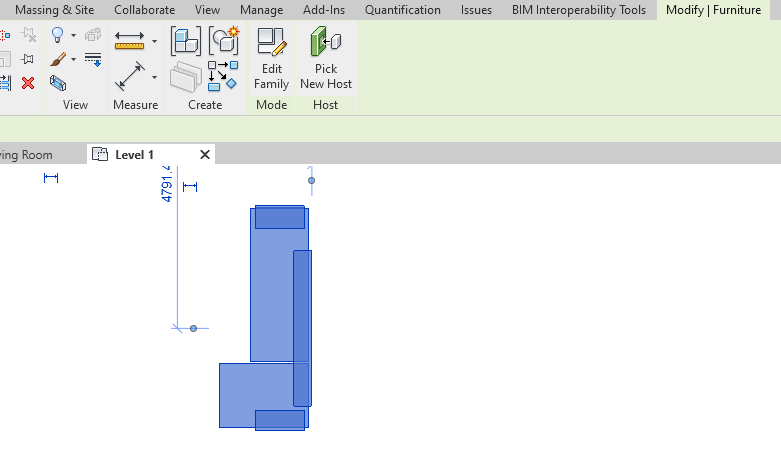
3. Click the Edit Family button on the modify tab
4. In the family editor go to file and save
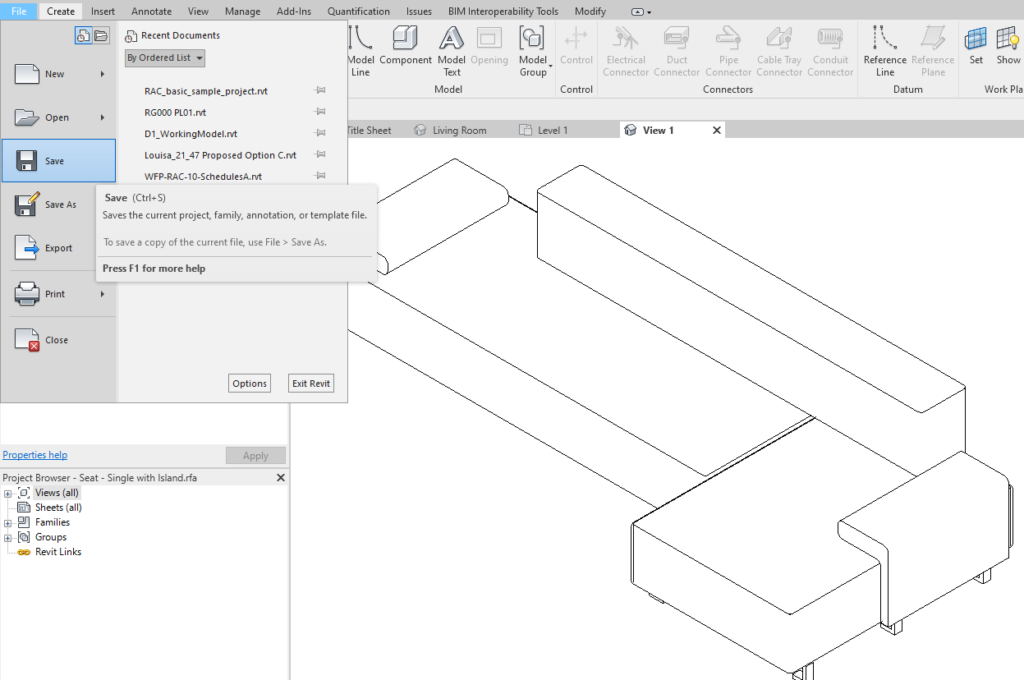
5. Save the family
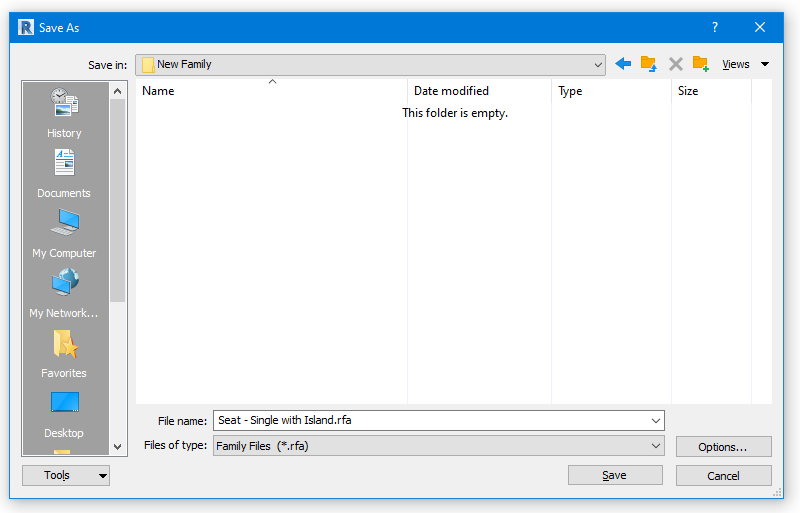
Congratulations you have now saved the family out of the project. Don’t forget to check out the rest of the Man and Machine blog for other great tips and tricks.
Still got Questions?
Book Training
Our Revit courses cover everything from the skills required to use the software, to design and share information between project teams, through to creating custom family elements.
Contact Us
We are here to ensure you receive a consistently high service and quality solutions for your business needs. We promise you won’t regret speaking to us, and if we can’t help you, we will try to find someone that can.