


To give a quick summary of recap photo (photogrammetry software) you can take photos of an object (up to 1000) from many different angles (the more the better), upload them to recap photo and the software will stitch them together to create a 3D model. This will cost Autodesk credits after you have used your complimentary 100 free credits. This is a sky high overview on creating the model with a focus on techniques for sharing Recap Photo models.
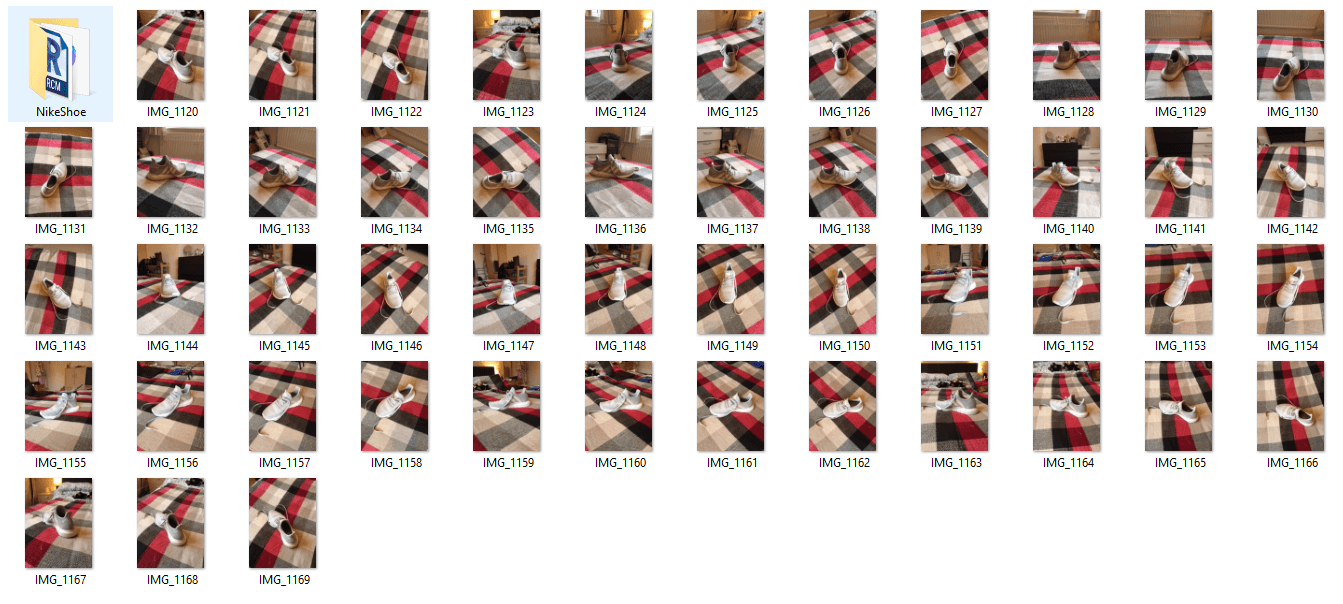
Start a new project and upload your pictures to Recap Photo.
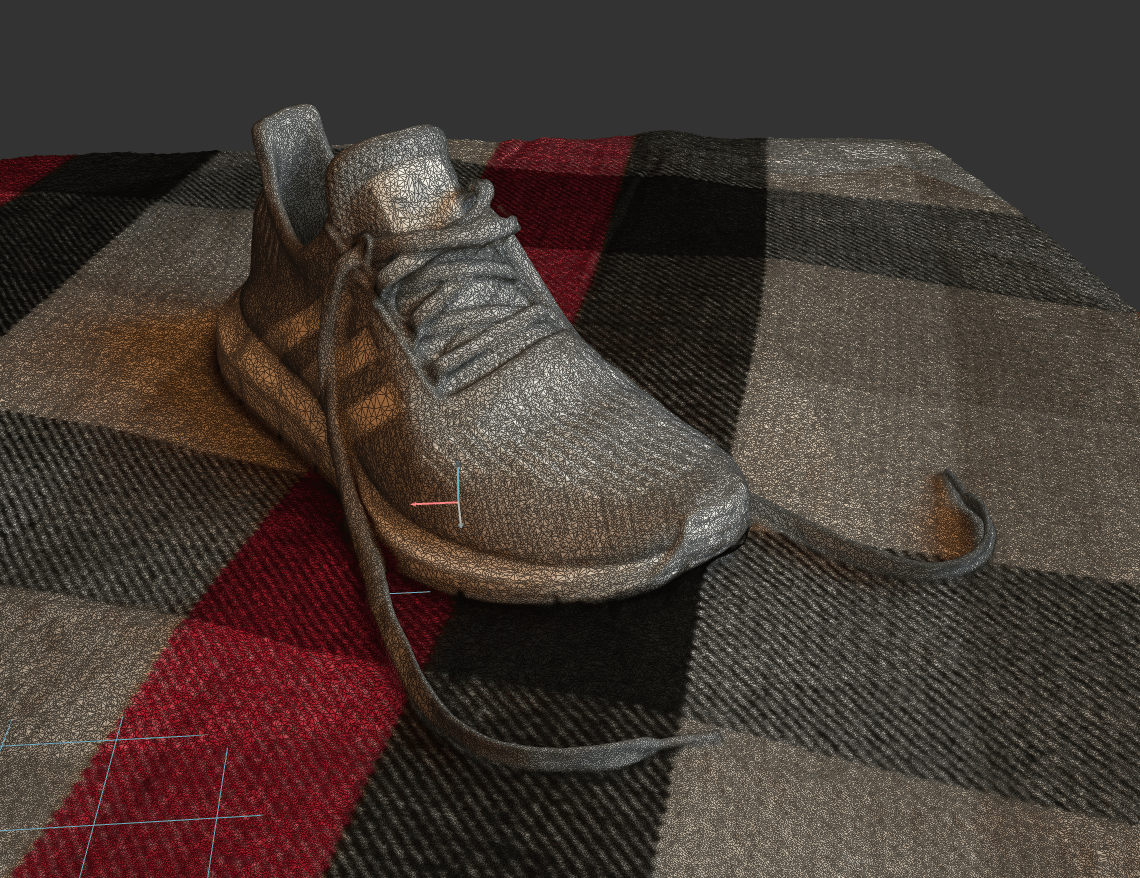
Hey presto, a 3D model. Now scale and clean unwanted parts.
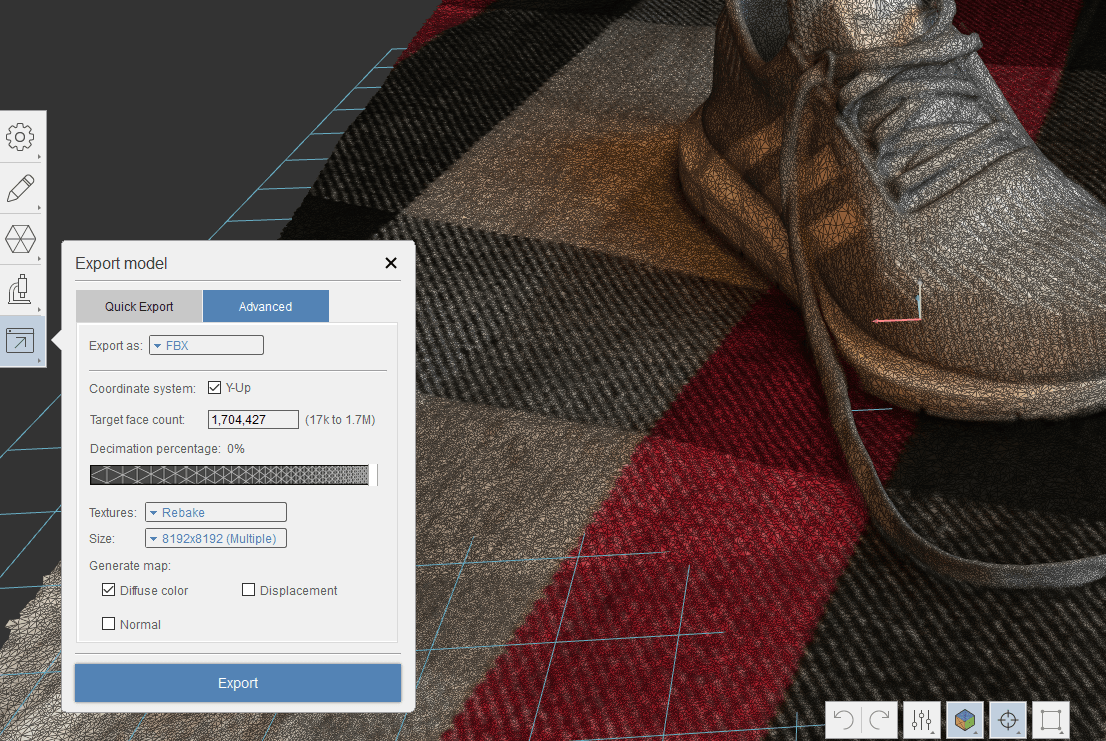
Use the export function in recap to create an FBX. When exporting ensure you tick the coordinate system with Y as up, so that cloud-based viewers view correctly in relation to recaps coordinates. FBX retains the RGB colours of your model which really helps with context if you are looking to share a model.
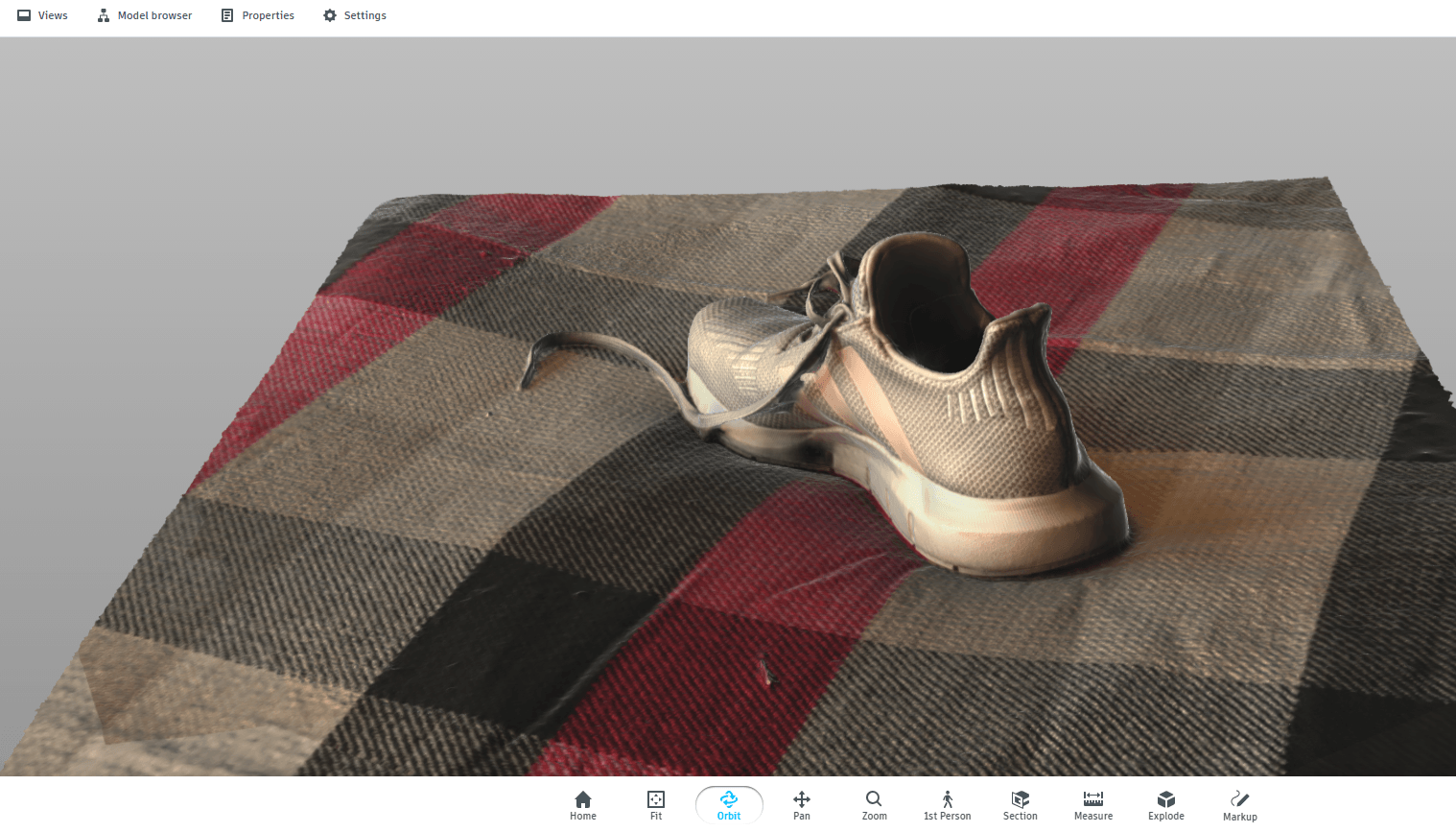
This FBX can be uploaded and shared for free using the Autodesk online viewer or if you have access to BIM 360 Docs or BIM 360 team, these platforms will also accept FBX files for viewing. This model can be shared via a URL link.
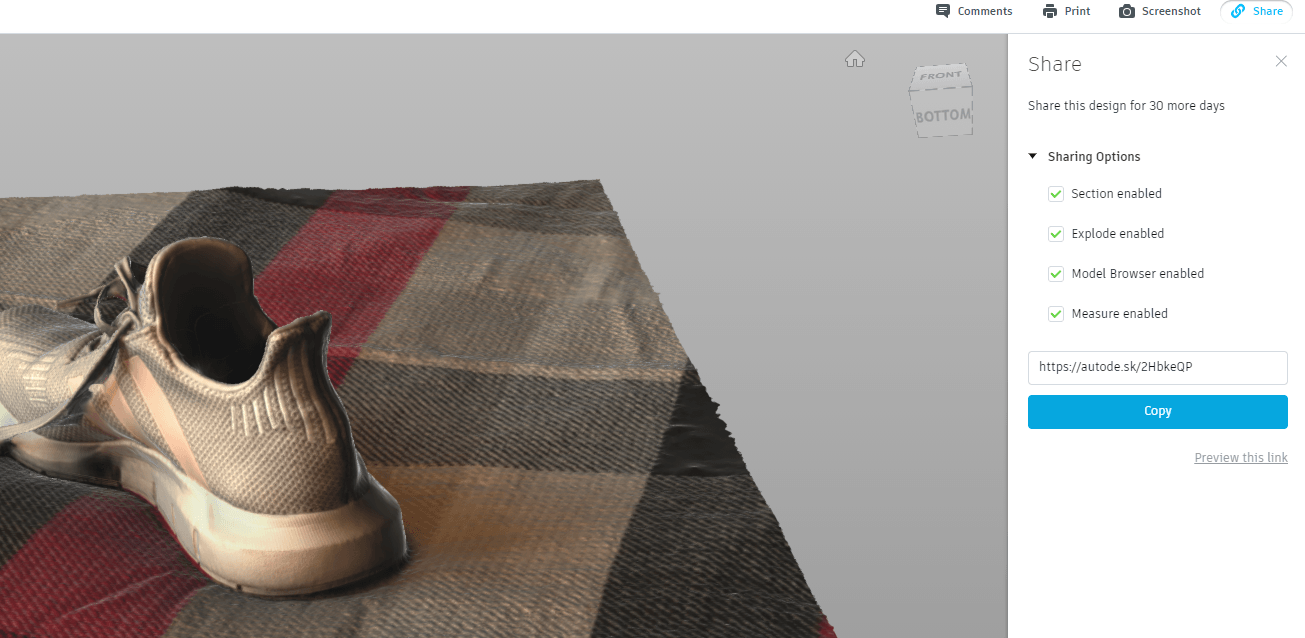
And there you go, if you need to get comments or feedback on an object, topography or anything created by Recap Photo, you now have the power.
Still got Questions?
Buy ReCap
Autodesk ReCap Pro is a reality capture and 3D scanning software that allows you to transform the physical to the digital. It helps designers capture high quality, detailed models of real-world assets.
Contact Us
We are here to ensure you receive a consistently high service and quality solutions for your business needs. We promise you won’t regret speaking to us, and if we can’t help you, we will try to find someone that can.