


Autodesk Inventor has a number of handy keyboard shortcuts that help to speed up your design process. Lets have a look at a few of these in a part file.
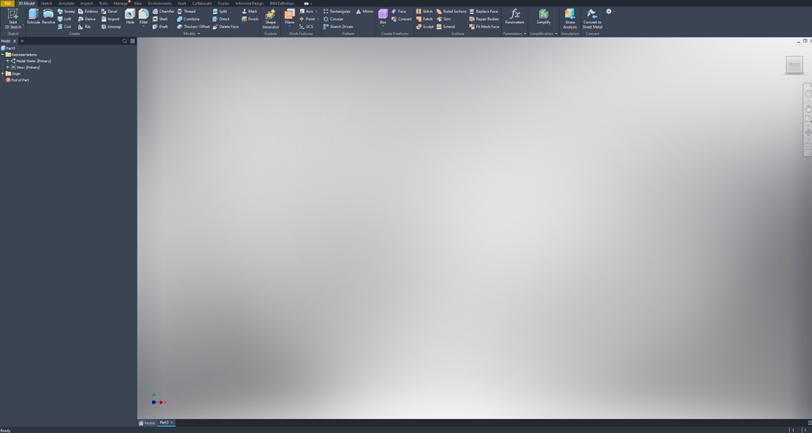
- S for Sketch – takes you into Sketch mode.
- E for Extrude – this allows you to go directly to extrude. The best part of this is if you do not have a sketch readily available to extrude from, it will direct you to sketch first and then immediately take you to the extrude functionality.
- R for Revolve – this works in the same manner as the Extrude above.
- H for Hole – shortcut for creating holes.
- F for Fillet – shortcut for fillet.
- Spacebar – repeats the last command.
- F4 – orbit without holding mouse buttons.
- F5 – previous view.
- F6 – home view.
- F7 – slice graphics.
- F8 and F9 – toggle visibility of all constraints.
If you haven’t already, give them a try and you may find these help you save time and be more efficient.
Still got Questions?
Book Training
Our range of Autodesk Inventor training courses will teach you how to create production-ready parts and assemblies through hands-on learning experience. Make sure you contact us to find out which course is best for you.
Contact Us
We are here to ensure you receive a consistently high service and quality solutions for your business needs. We promise you won’t regret speaking to us, and if we can’t help you, we will try to find someone that can.