


When launching any Autodesk software, you may encounter a trial or countdown dialog that cannot be closed, preventing access to your software.
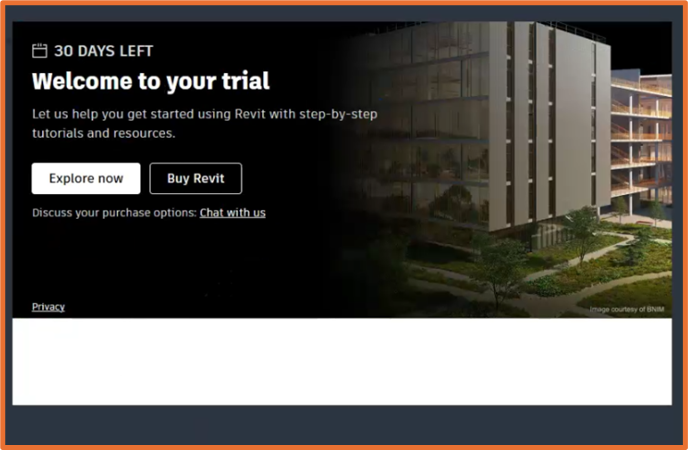
We can resolve this by reinstalling both the Licensing Service and Identity Manager following the steps below. Note, the steps are the same with different paths to the uninstallers).
1 – Navigate to:
- C:\Program Files\Autodesk\AdskIdentityManager
- C:\Program Files (x86)\Common Files\Autodesk Shared\AdskLicensing
2 – Right click unintall.exe and run as admin.
3 – Run through the uninstall, and in the meantime download the latest Identity Manager and Licensing Service (linked can be found below).
4 – Right click the Identity Manager installer, run as admin.
5 – Start your software.
If you’re looking for a one-time workaround, launch your software and wait for the dialog to appear. Open task manager, in the search bar type Autodesk Components and close all processes. This will close the dialog and grant you access to your software again.
Identity Manager – Autodesk Identity Manager component update for product versions 2024 and beyond (Windows)
Licensing Service – Autodesk Desktop Licensing Service Download
Still got Questions?
Buy Software
Autodesk is a global leader in software for architects, builders, engineers, designers, manufacturers, 3D artists and production teams. Contact us now to find out which software is right for you.
Contact Us
We are here to ensure you receive a consistently high service and quality solutions for your business needs. We promise you won’t regret speaking to us, and if we can’t help you, we will try to find someone that can.