


Multilines are often overlooked in AutoCAD. The MLINE command gives you the possibility of drawing parallel lines of pre-defined properties at set distances in one single command.
One of the most common uses for this is to draw a side view of an axle with solid lines defining the extents of the axle and a dash-dot line down the middle representing the centre of the axle.
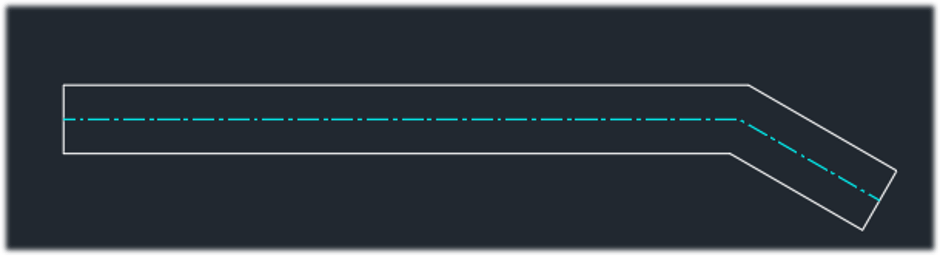
To edit and/or create new Multiline styles type MLSTYLE, here you can define the number of lines, their colour, line type and spacing.
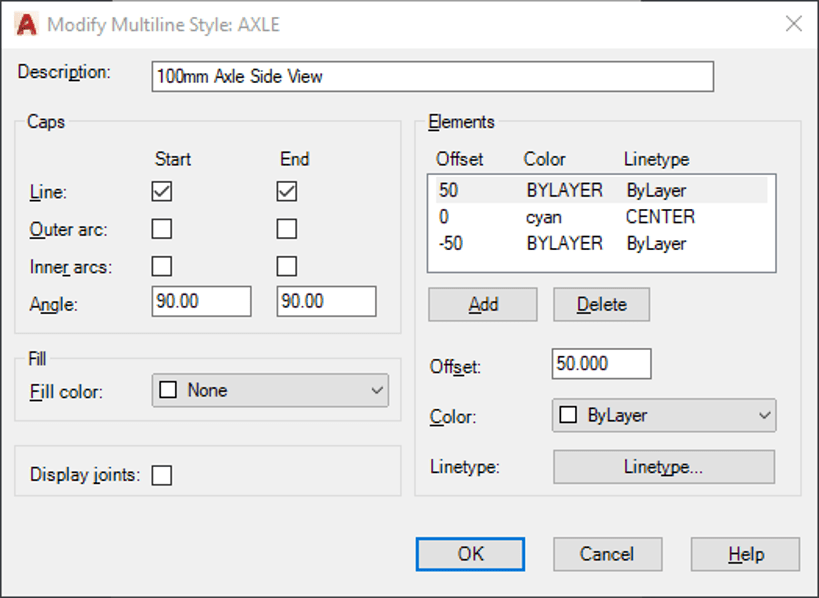
(TIP: You cannot modify a style that has been used in the model)
There are many different options for editing Multilines once placed in the model. The MLEDIT command will open the editing tools available.
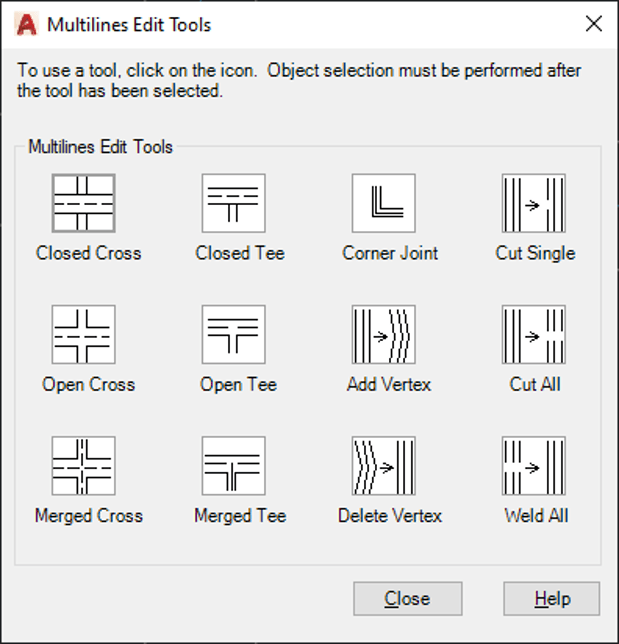
In the example below I have used the MEDIT, ‘Closed Cross’ option.
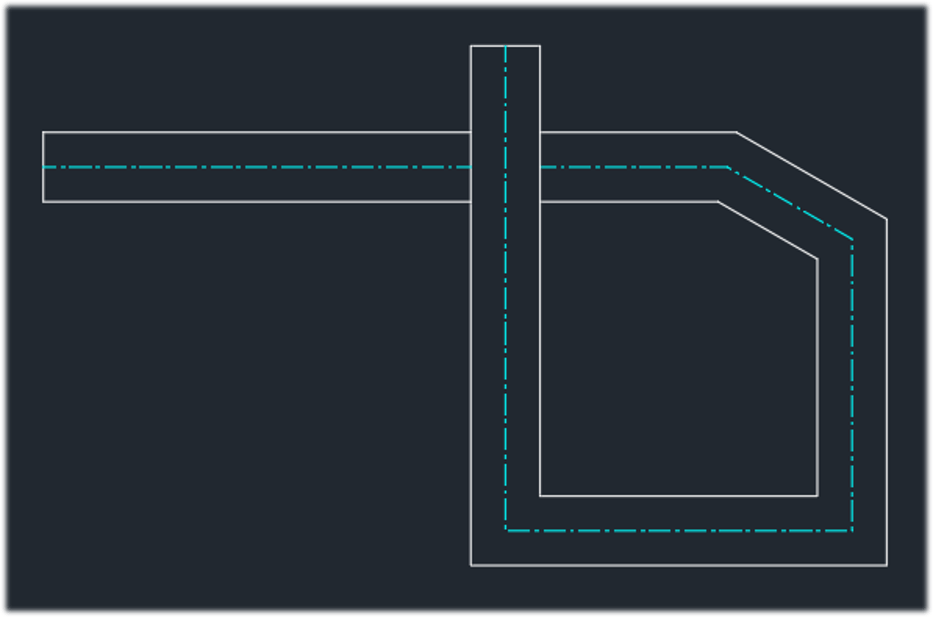
Save the Multiline styles commonly used to your AutoCAD template to use over and over again.
Still got Questions?
Book Training
With our range of AutoCAD courses we can teach you best-in-class 2D and 3D design skills. This includes drawing, taking measurements, producing templates and everything required to create your designs.
Contact Us
We are here to ensure you receive a consistently high service and quality solutions for your business needs. We promise you won’t regret speaking to us, and if we can’t help you, we will try to find someone that can.