


As more users gain access to the design data, each requiring different levels of access, there comes the need to manage all of this in a streamlined approach.
Project Access
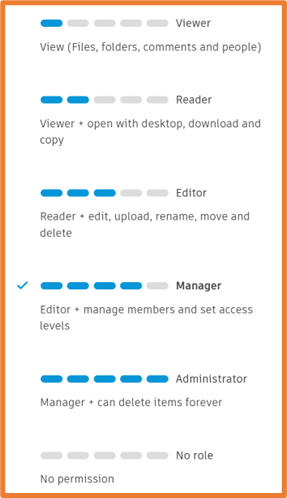
Access to projects can be controlled where individual members or entire groups are added to each project. Once added, a level of permission is assigned against the group or member. These permissions include no role, viewer, reader, editor, manager and administrator, with administrator having full permissions within the project.
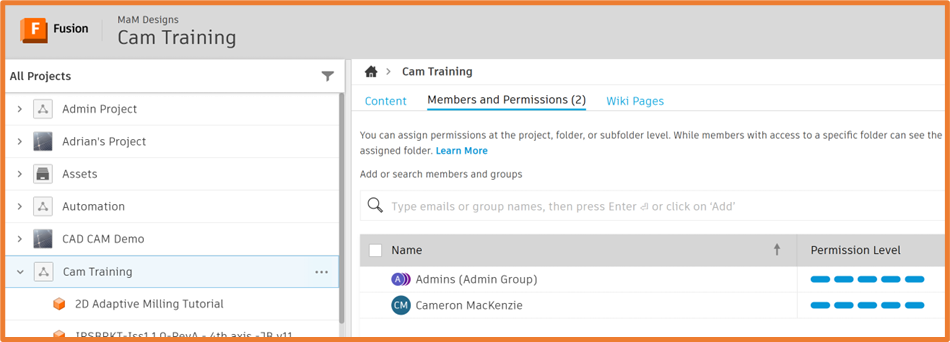
To add a member or groups to projects, select the top-level project in the Fusion Hub, and select the Member and Permissions tab. From here you can type in the name of any existing group, or the email address of any member you wish to add.
Management
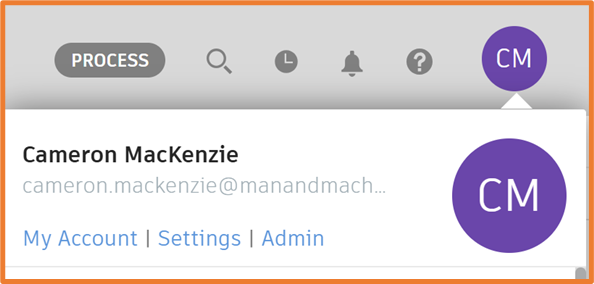
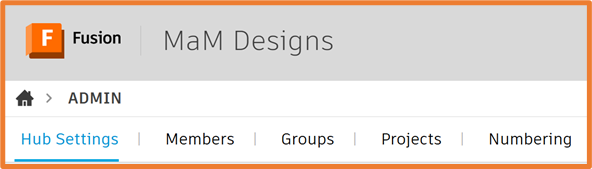
Access to the management pages can be found by selecting your user icon in the top right, then selecting Admin. This will take you to the Hub Admin page.
Members
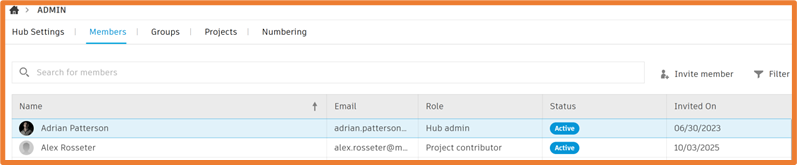
From the Members window, all individual members are listed and managed and this is where they can be added to existing groups or enabled and disabled.
Groups
In the Groups tab you can manage groups, create new groups and assign groups to PLM workspaces if using Fusion Manage.

Still got Questions?
Book Training
Through hands-on exercises, you will acquire the key skills and knowledge required to design models using Fusion. It will teach you everything from product development to simulation and fabrication.
Contact Us
We are here to ensure you receive a consistently high service and quality solutions for your business needs. We promise you won’t regret speaking to us, and if we can’t help you, we will try to find someone that can.