


In this blog we’ll look at how to create a basic render in Autodesk Inventor Studio. But firstly, what is the difference between Materials and Appearance? The main difference is that Materials have physical properties for calculations like weight and stress, whilst Appearances control the visual properties like colour, texture, and reflectivity for rendering. you can assign a ‘Steel’ material to a part for its physical properties but then use an ‘Appearance’ to make it look like polished chrome or painted red for visualisation purposes. You can find these tools at the top of your screen. The below image shows where to find this tool. The orange rectangle shows Material and the blue rectangle shows Appearance.

Let’s look at how we can do this with the default Inventor Studio tool within Inventor.
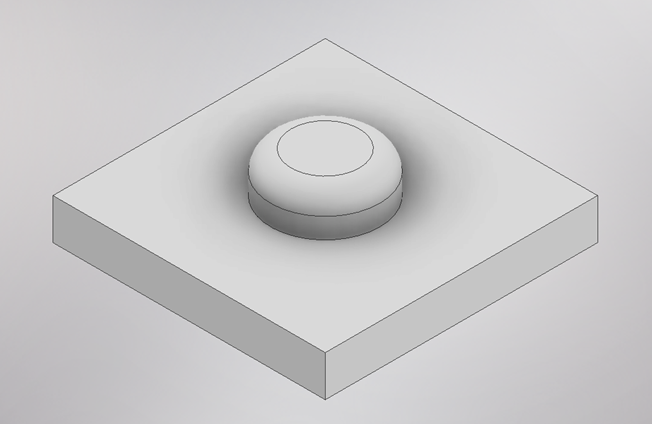
- Open a basic part or create something like the below image.
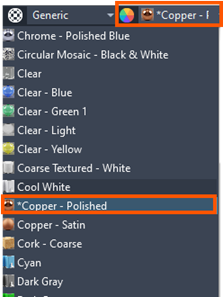
- Select the Appearance dropdown, and select Copper – Polished.
- The part will update to show the appearance you selected. Remember this is not material. You can add material for physical property calculations, the material can match or be different to the appearance.
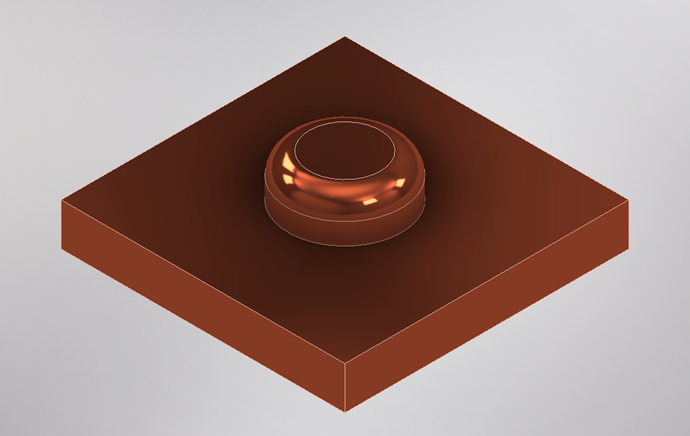
- On the ribbon, select Environments, then select Inventor Studio.

- In the Render ribbon, select Render Image.

- Accept the defaults and click Render.
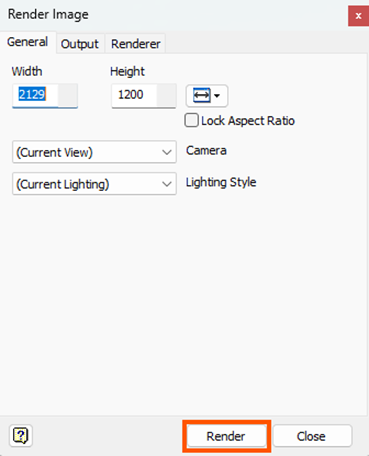
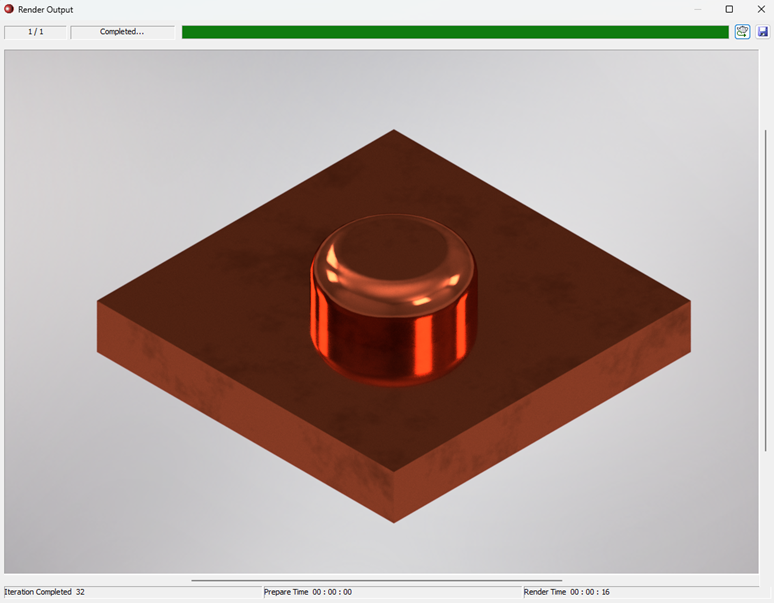
- Close the Render window.
- Select Render Image again.
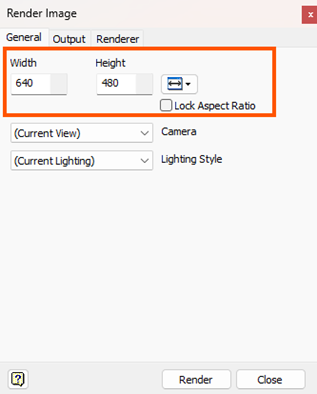
- Change the width and height for the image size.
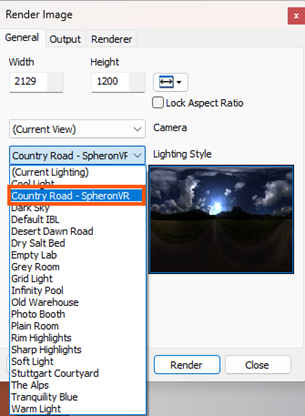
- This time, change ‘(Current Lighting)’ to ‘Country Road – SheronVR’.
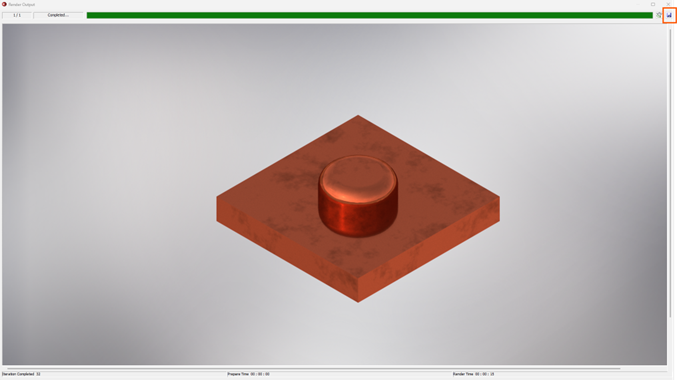
- You can save the image as a *png, select Save in the top right of the Image Window.
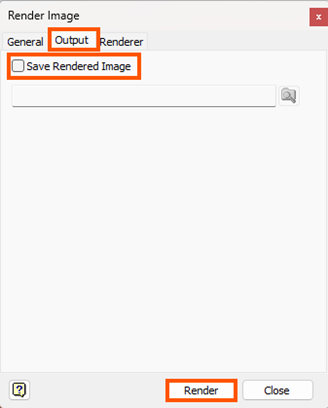
- You can also change the output in the Render Image dialog box to save the image.
- When you have completed your render and saved your image, you can Finish Inventor Studio.
Still got Questions?
Book Training
Our range of Autodesk Inventor training courses will teach you how to create production-ready parts and assemblies through hands-on learning experience. Make sure you contact us to find out which course is best for you.
Contact Us
We are here to ensure you receive a consistently high service and quality solutions for your business needs. We promise you won’t regret speaking to us, and if we can’t help you, we will try to find someone that can.