


Many Autodesk users are aware that there are products available to them to design and manage water in the construction industry, but don’t know which one is right for them. So in this blog I’ll summarise for you.
Site Design
Any site where you need to manage rainwater, wastewater and sewage e.g. Residential and commercial development.
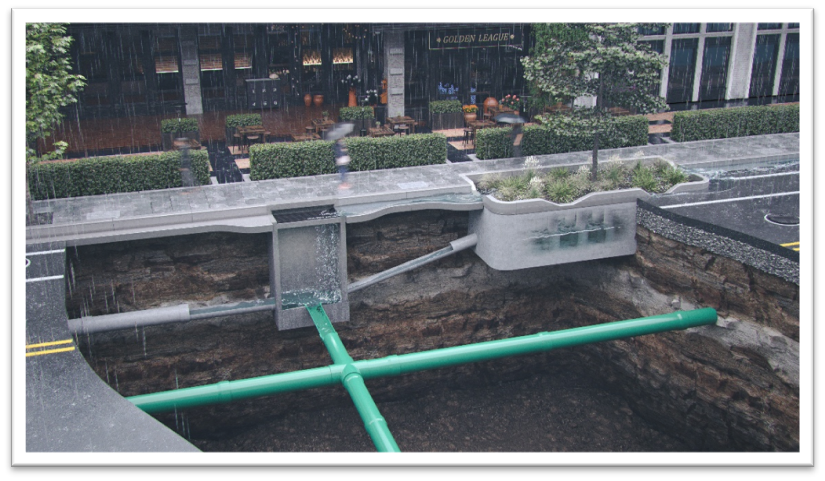
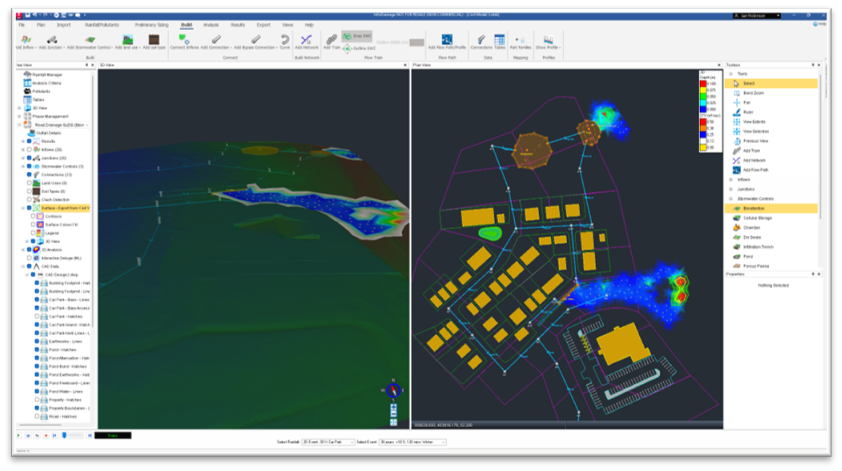
The Tool: InfoDrainage
What it does:
- Build and manage drainage models using built-in tools alongside CAD, GIS and text data, including integration with AutoCAD Civil 3D.
- Design and optimise storm and foul water storms, including SuDS features, while considering design intent, building type and climate change.
- Analyse, compare and report solutions using 1D/2D flood analysis, multiple design options, and outputs suitable for construction and planning applications.
Who is it for:
- Civil Engineers
- House Builders and Commercial Developers
- Planning Officers
- Hydrology Modellers
Works with:
- AutoCAD
- AutoCAD Civil 3D
- GIS systems such as ESRI ArcGIS
- Info360
- Text files such as CSV
As a rule of thumb, if you have up to 2000 nodes (manholes and SuDS features), InfoDrainage is the right product for you.
Network Design
Integrated Catchment Modelling software for large scale management of water networks including River networks. ICM Live (separate product) can connect to live weather data for flood predictions and emergency planning.
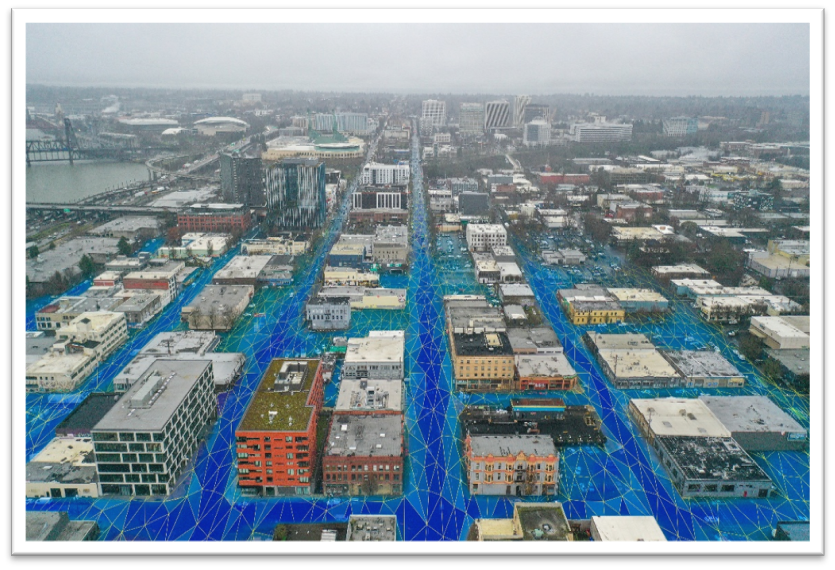
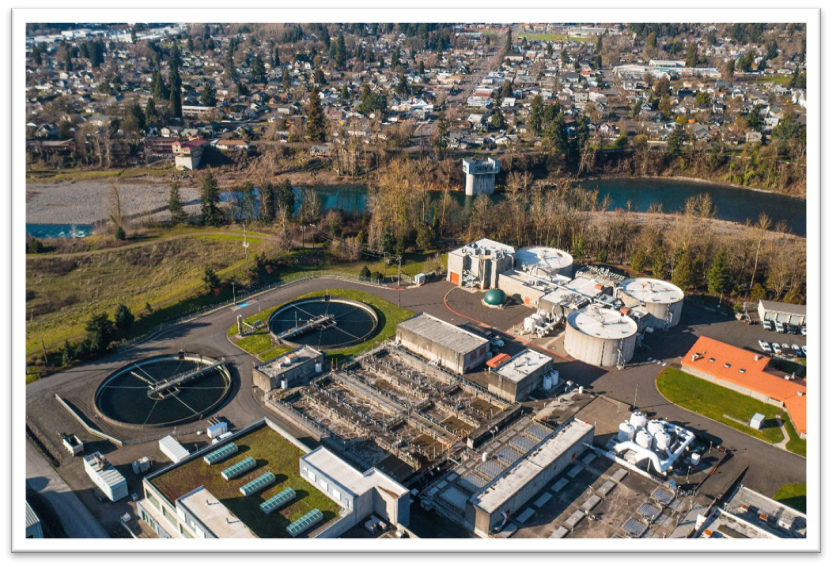
The Tool: InfoWorks ICM
What it does:
- Designing a rainwater and foul water drainage system for network upgrades and resilience. Integration with InfoDrainage allows new developments to be modelled within the wider water lifecycle network.
- Analyse rainfall, river and flood planes with 1D/2D analysis to plan for capacity upgrades, system expansion and emergency responses.
- Visualise and Report on various scenarios to understand what the whole rainwater system is doing today, and plan for the future.
Who is it for:
- Master Planners
- Hydrology Modellers
- Planning Officers
- Storm Water and Sewer Engineers
Works with:
- AutoCAD
- AutoCAD Civil 3D
- GIS systems such as ESRI ArcGIS
- Info360
- Text files such as CSV
- InfoDrainage
As a rule of thumb, if you have over 2000 nodes (manholes and SuDS featres), InfoWorks ICM is the right product for you.
Still got Questions?
Book Training
Our Autodesk InfoDrainage training will teach you how to navigate the interface, build a drainage system and design pipes, import and export data, pond and suds design as well as flooding simulation.
Contact Us
We are here to ensure you receive a consistently high service and quality solutions for your business needs. We promise you won’t regret speaking to us, and if we can’t help you, we will try to find someone that can.