


In Autodesk Forma Data Management, your home page is a customisable user preference space. By default, the following cards are displayed:
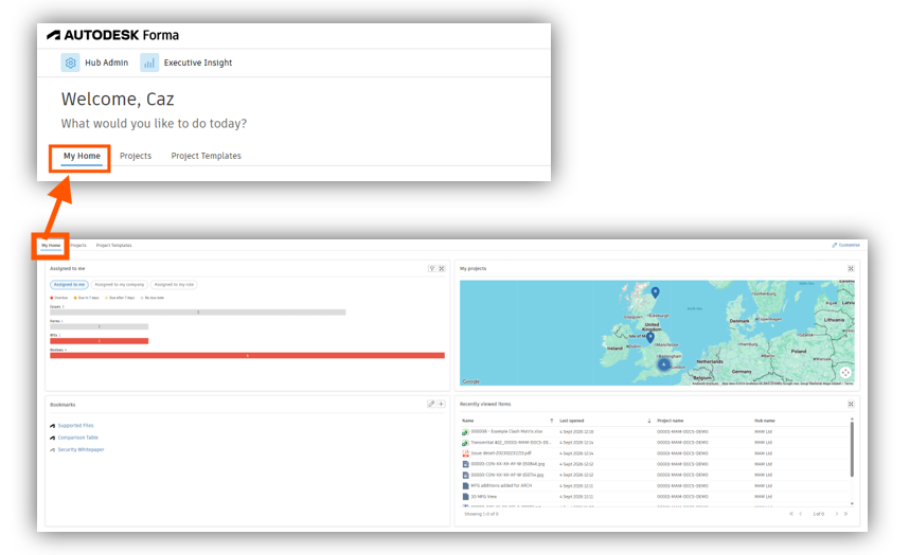
Assigned to Me card (active by default): is a centralised view of items assigned to you across all Autodesk Forma products, emphasising sure dates and high-priority items that may need immediate attention. This assists you to remain organised and focussed on your most urgent tasks. It will show you:
- Assigned to me: shows items assigned directly to you (active by default).
- Assigned to my company: displays items assigned to your company.
- Assigned to my role: lists items assigned to your role.
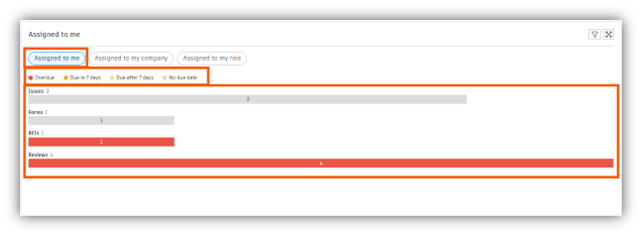
My Projects card: this shows all the Autodesk Forma projects that you have access to.
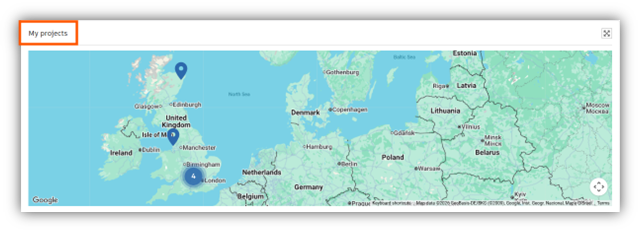
Bookmarks card: this allows you to save a website’s URL address for future reference. To add a bookmark:
- Click the plus icon at the top right of the Bookmarks card.
- Enter a title for your bookmark.
- Enter the URL address of the website that you want to bookmark.
- Click Save.
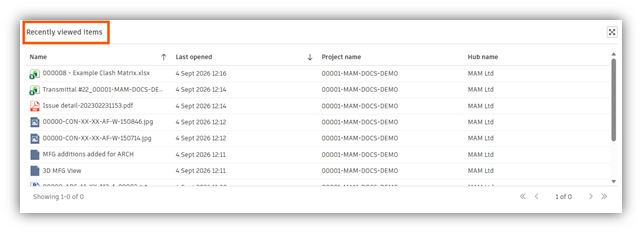
Recently viewed items card: this is an overview of the files and sheets viewed in the last seven days. By selecting the desired column header, you can sort the displayed items in ascending or descending order.
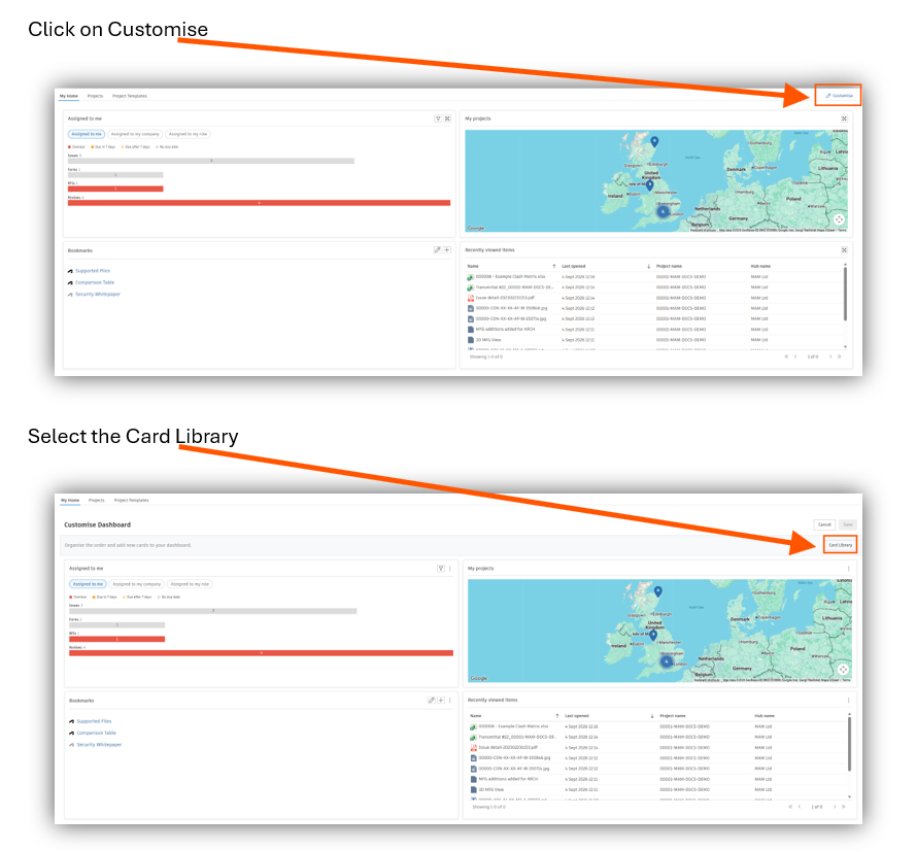
You can also add cards to the dashboard from the Card Library to create your own customised dashboards with the data relevant to your project needs.
Select the card and click Add Card, bottom right.
Remember to Save, top right, after you have made your changes.
Still got Questions?
Book Training
We have developed a robust set of onboarding and deployment services to ensure best-in-class implementation of Autodesk Forma (formerly the Autodesk Construction Cloud)
Contact Us
We are here to ensure you receive a consistently high service and quality solutions for your business needs. We promise you won’t regret speaking to us, and if we can’t help you, we will try to find someone that can.