


The July release of Autodesk Fusion includes a technical preview release of some very exciting functionality; Generate Timeline. This takes any solid model imported into Fusion, whether it is an STP, IPT, OBJ, or any other non-native solid model, and identifies features in the model. These features are then recreated as parametric features in a new file.
This feature greatly enhances Fusion’s capabilities of not only reading, but more accurately modifying imported designs, allowing for deeper integration into existing design workflows.
Generating the Timeline
To get started, simply have the file open in Autodesk Fusion, with the July release installed.
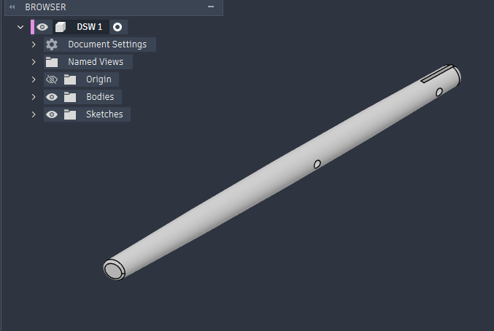
In the Design workspace > Create panel, select Generate Timeline.
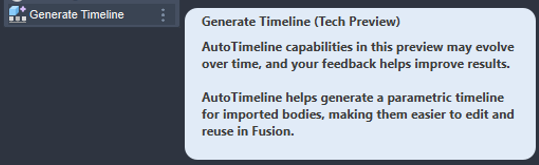
This will prompt you to select the body which requires the features.
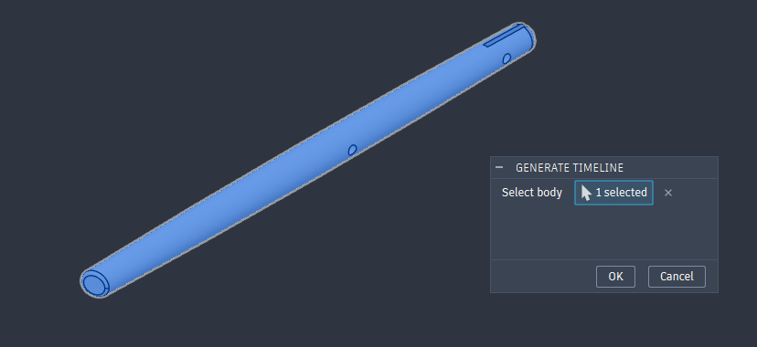
Once you click OK, Fusion will send the file to their servers for translation. The status of this job is viewable in the Job Status window. You will also receive a popup when the job starts and completes.

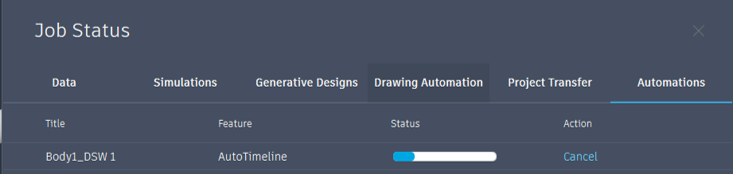
Once the job has completed, this will allow for opening in a new file with all the available features added to the timeline.
This will recognise most parametric features such as holes, cuts, fillets, and chamfers and will add these in, with their parameters.
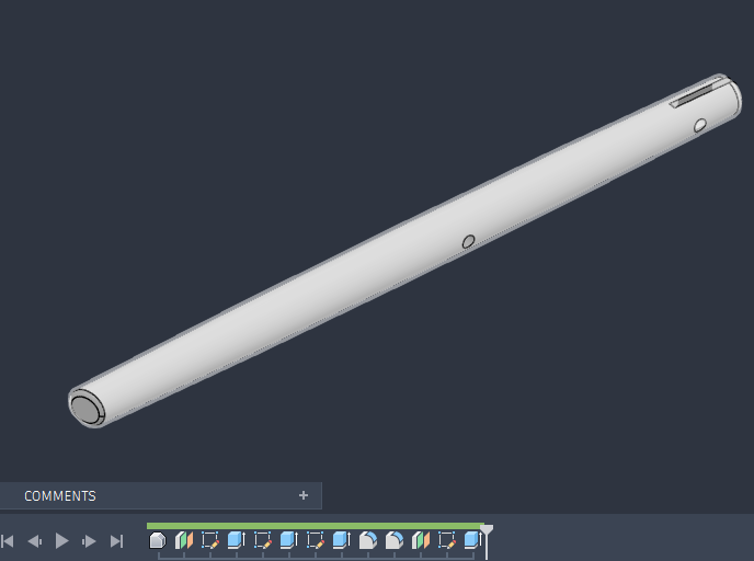
The Results
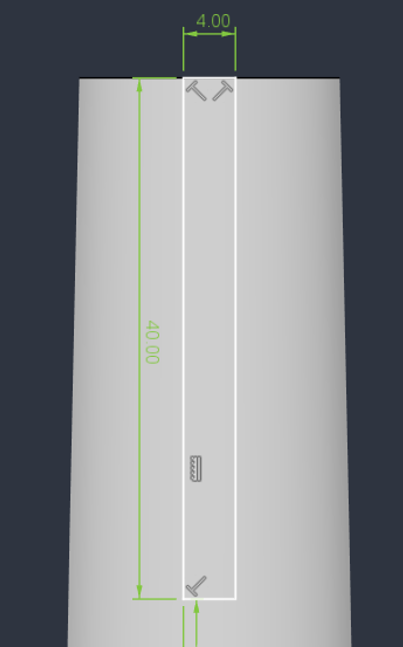
The model we have testes had a slot down the middle of the part. This was detected and the positioning and the dimensions of this slot were added into an appropriate sketch with a cut applied.
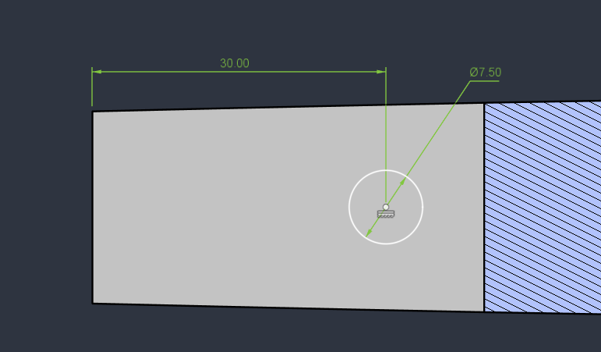
This tool also recognised the holes going through the part. It created the sketches and cuts for these too, whilst adding in the appropriate dimensions.
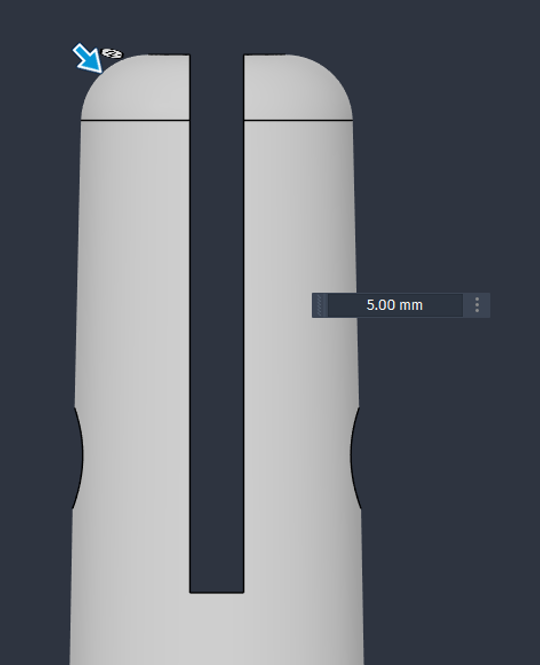
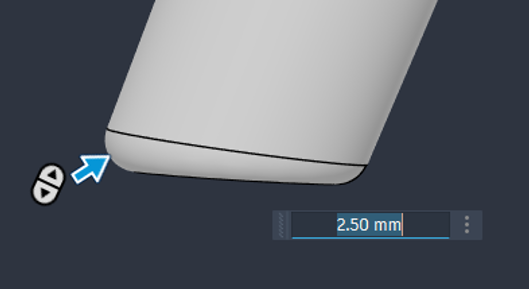
Lastly, Th tool recognised the fillets on the top and bottom of the left and added in the appropriate features for this.
So far, we have been really impressed by the introduction of this feature. The translation completes quickly and gives some good results. While it isn’t perfect, this is still a technical preview. It is still unable to capture a few features and sometimes doesn’t add the dimensions to the most adaptable features. I expect this to be a game changer nonetheless and certainly beats the solid modification tools in a lot of cases.
Still got Questions?
Book Training
Through hands-on exercises, you will acquire the key skills and knowledge required to design models using Fusion. It will teach you everything from product development to simulation and fabrication.
Contact Us
We are here to ensure you receive a consistently high service and quality solutions for your business needs. We promise you won’t regret speaking to us, and if we can’t help you, we will try to find someone that can.