


The long awaited first steps towards team customization have just been taken.
Though it may seem like a small feature, the ability to rename a team in the Autodesk Management Portal is an important step towards customizing your teams. We can now move away from teams named after the Contract manager and a random number.

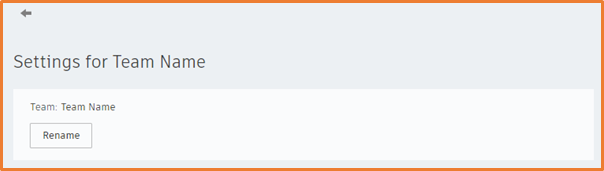
To change the name of the team, select the Team Settings option in the top right of the screen inside of User Management, you will then be given the option to Rename, change the name of the team and save, all done.
We are expecting to see more options added to the Team Settings over the next few months, so stay tuned for further updates.
Still got Questions?
Buy Software
Autodesk is a global leader in software for architects, builders, engineers, designers, manufacturers, 3D artists and production teams. Contact us now to find out which software is right for you.
Contact Us
We are here to ensure you receive a consistently high service and quality solutions for your business needs. We promise you won’t regret speaking to us, and if we can’t help you, we will try to find someone that can.