


In the 2020 version of AutoCAD you may have noticed that the PURGE command has had a bit of a spruce up.
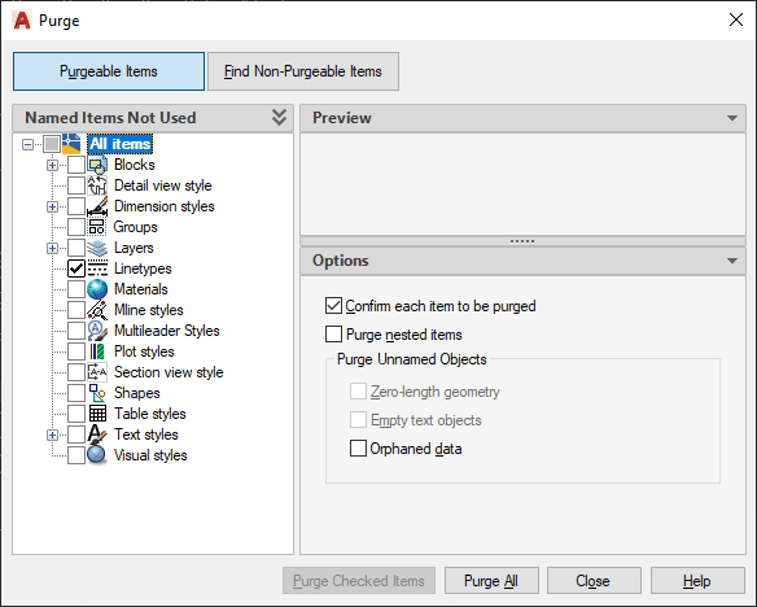
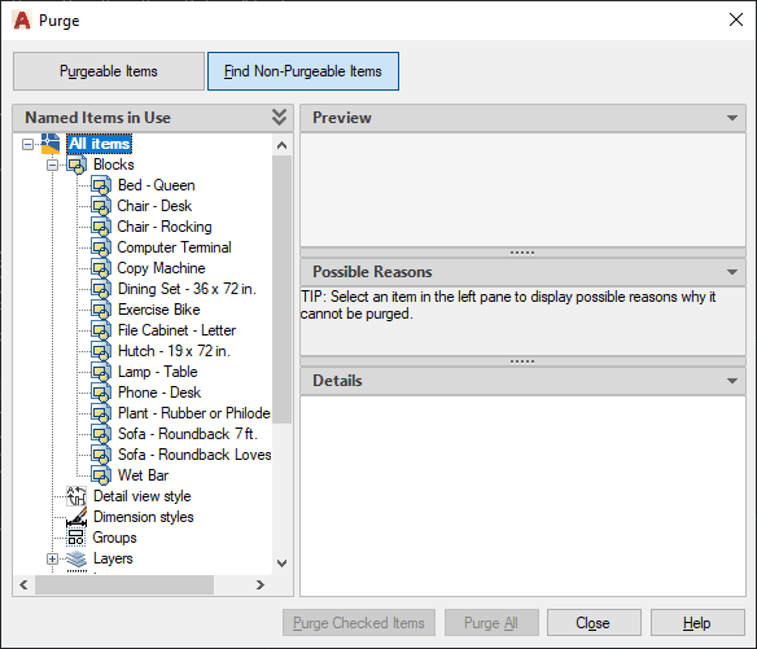
The new window allows you to view the purgeable and non-purgeable items within the drawings and lets you select the item you want to purge using the check boxes next to the items.
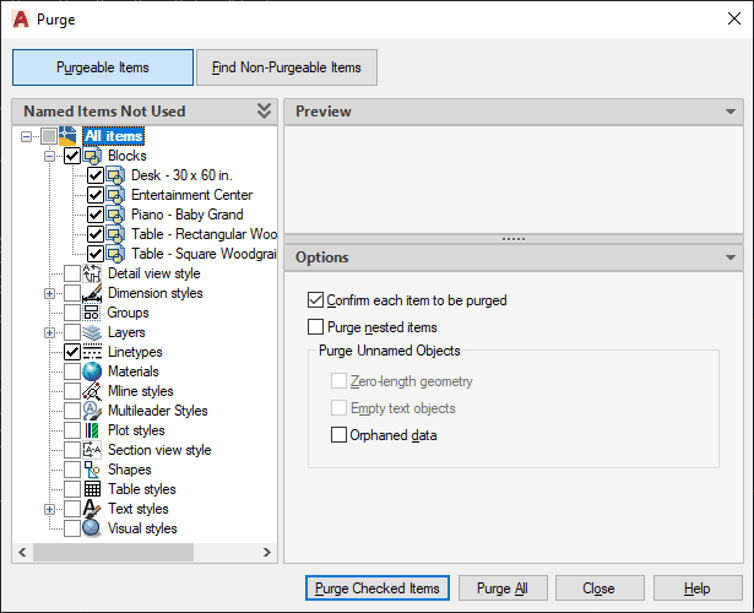
Purgeable Blocks
Non-Purgeable Blocks
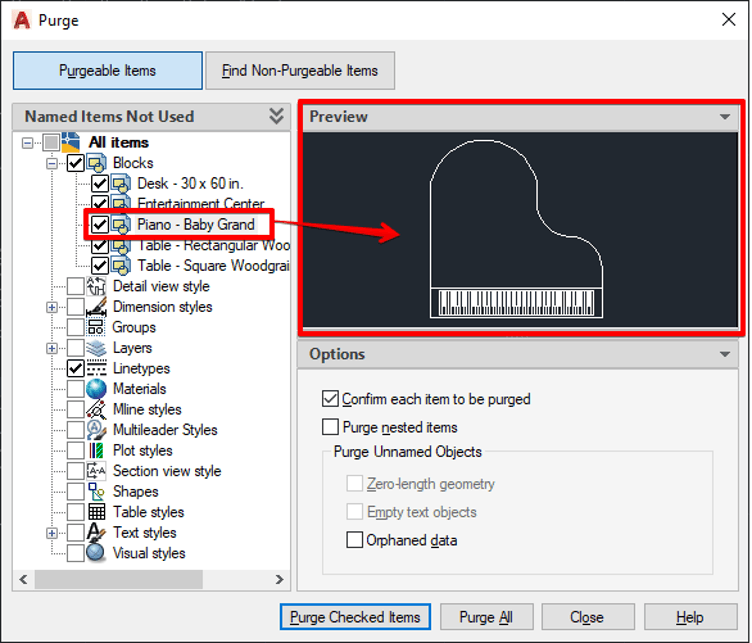
You can even preview the item before purging it:
Have you ever wondered where the Purge button is? Well it’s hiding on the application menu:
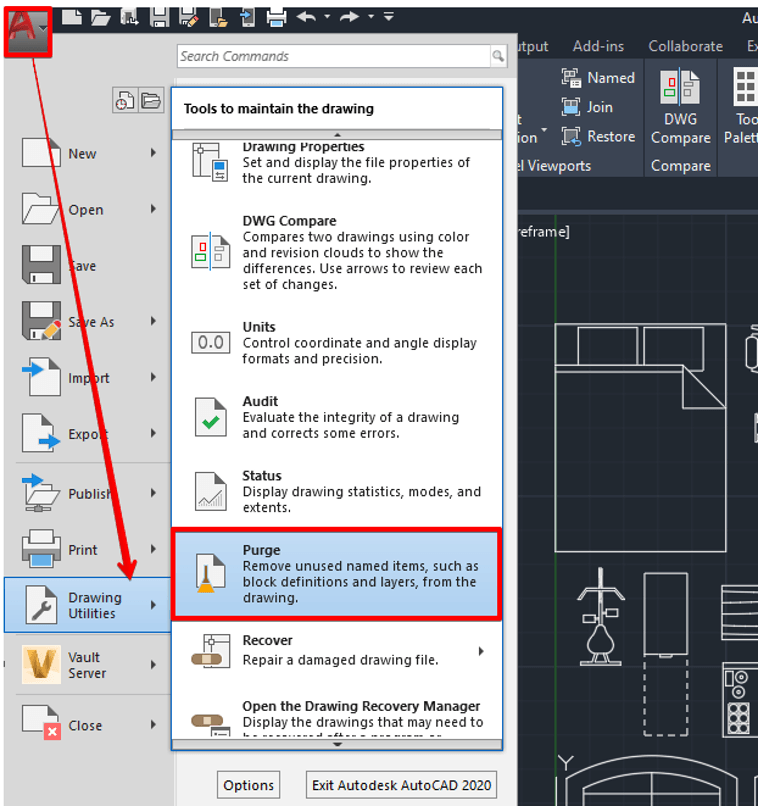
Lets get purging!!!
Still got Questions?
Book Training
With our range of AutoCAD courses we can teach you best-in-class 2D and 3D design skills. This includes drawing, taking measurements, producing templates and everything required to create your designs.
Contact Us
We are here to ensure you receive a consistently high service and quality solutions for your business needs. We promise you won’t regret speaking to us, and if we can’t help you, we will try to find someone that can.