• Autodesk Inventor Project Geometry

    Autodesk Inventor Project Geometry

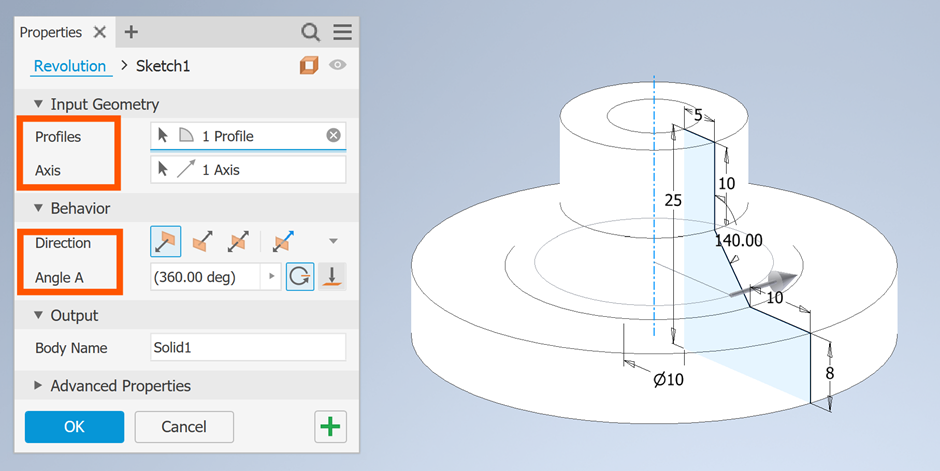
    Let’s walk through everything you need to know about Project Geometry in Autodesk Inventor, including what it is, when to use it, and how to use it effectively. When working with 3D models in Autodesk Inventor, you’ll often need to reuse or reference existing sketch or model edges in a new sketch. What is Project…

    Read More

  • Inventor 2026 What’s New – Parts

    Inventor 2026 What’s New – Parts

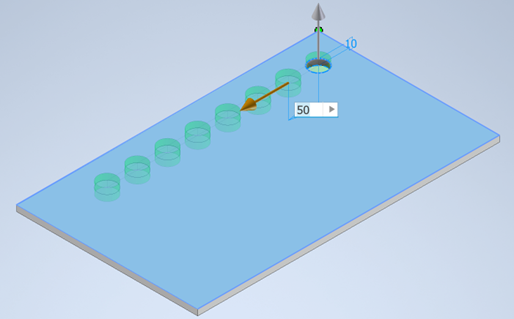
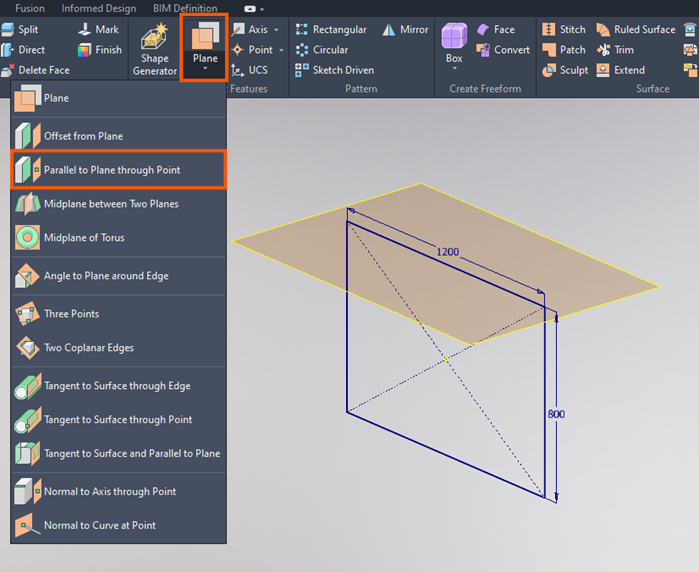
    With the release of Inventor 2026, comes a whole range of new features. In this blog we take a look at all the new functionality related to Part files. In addition to the modernisation of the Pattern window, we now have the ability to create irregular patterns too. This is great for situations where you…

    Read More

  • Organising Your Inventor Content Center Libraries

    Organising Your Inventor Content Center Libraries

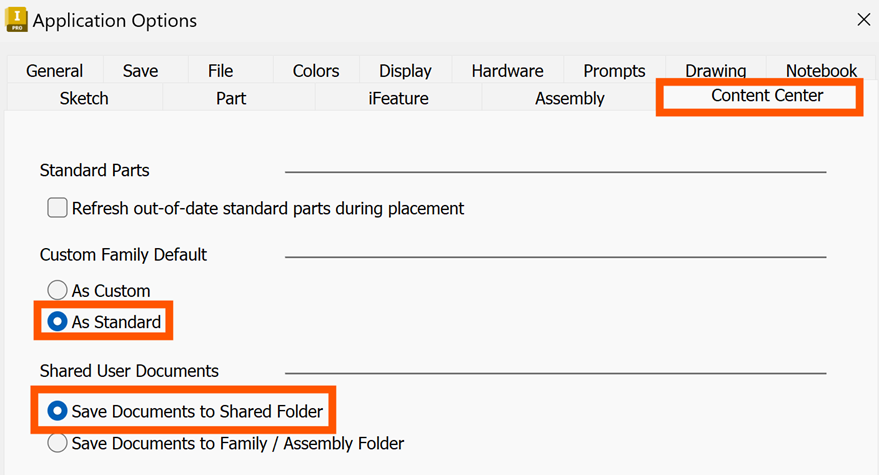
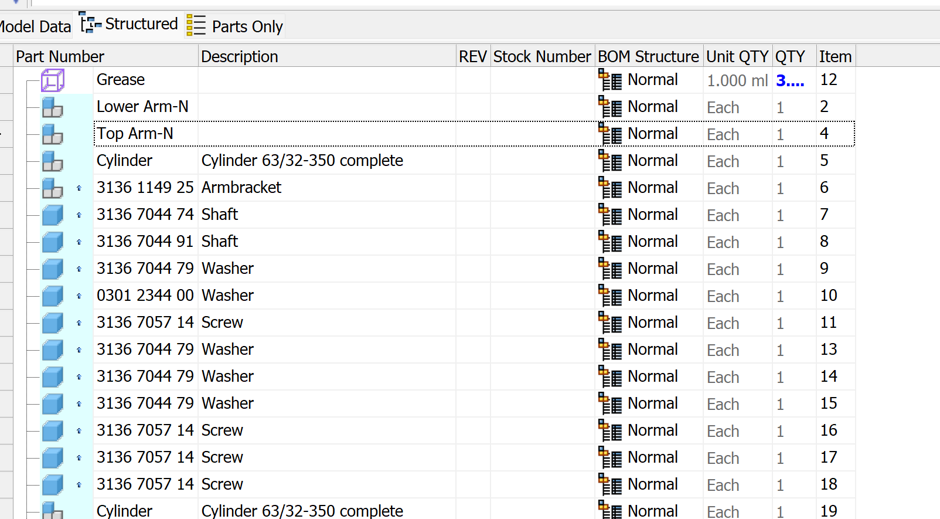
    Autodesk Inventor’s Content Center Library is a powerful resource that allows you to place standard components into your assemblies. The Content Center Library is organised into categories, families and family tables. Each content library is subdivided into several categories, which in turn contains the content families. In your read/write library, you can create, copy or…

    Read More

  • Inventor 2026 Graphical and Performance Improvements

    Inventor 2026 Graphical and Performance Improvements

    In this blog we will take a look at the graphical and performance improvements Autodesk have made in Inventor 2026. Inventor has modernised the open and save dialogues, to conform to the standard Windows File Dialogue, along with a few other enhancements. Autodesk have also added buttons to open the template folder location in the…

    Read More

  • Inventor 2026 What’s New – Drawings

    Inventor 2026 What’s New – Drawings

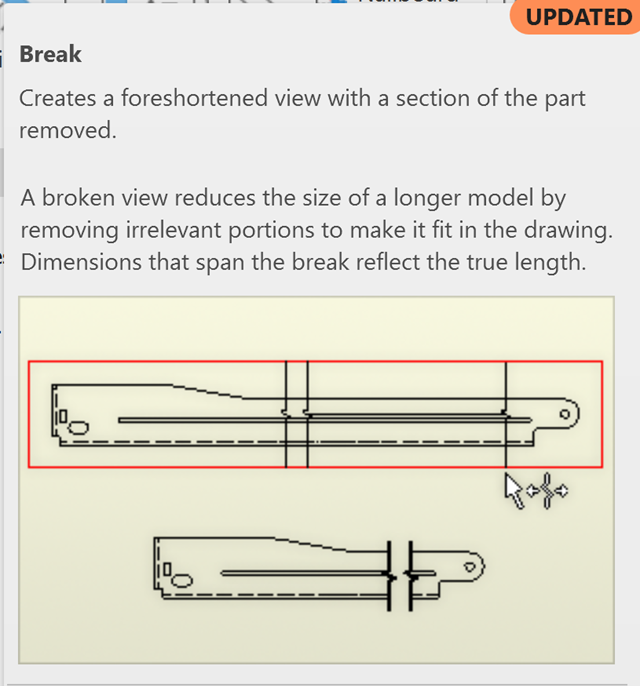
    With the release of Inventor 2026, comes some great new functionality. In this blog we will take a look at the added options available in the Drawing environment. You can now specify the location of a break in a drawing view. A Sketch now controls the location of the break, like it does with detail…

    Read More

  • Inventor 2026 What’s New – Assemblies

    Inventor 2026 What’s New – Assemblies

    With the release of Inventor 2026, comes some great new functionality. In this blog we will take a look at the added options available in the Assembly environment. You now have the ability to mirror both the geometry and position of the components, where previously you could only mirror the geometry. The target mirrored components,…

    Read More

  • Inventor 2026 What’s New – Parameters

    Inventor 2026 What’s New – Parameters

    With the release of Inventor 2026, comes some great new functionality. In this blog we will take a look at the added options available through Parameters. As more and more data is added into the models, we can often end up with tens or hundreds of parameters. Other than sticking to naming conventions and sorting…

    Read More

  • Autodesk Inventor and Revit Interoperability using BIM Content Tool

    Autodesk Inventor and Revit Interoperability using BIM Content Tool

    In the ever-evolving design industry, manufacturers working in Autodesk Inventor and engineers working in Autodesk Revit, are being required to coordinate their models according to defined BIM processes. Whether you’re designing complex mechanical equipment or planning architectural layouts, the ability to bridge the gap between Inventor and Revit, creates a dynamic and cohesive environment that…

    Read More