


Using Autodesk Vault Professional with third party CAD and Design tools such as Solidworks has been possible for years, but with the 2020 release, Autodesk have improved this functionality to offer users working in a multi CAD environment that best productivity and collaboration abilities between all of their software workflows.
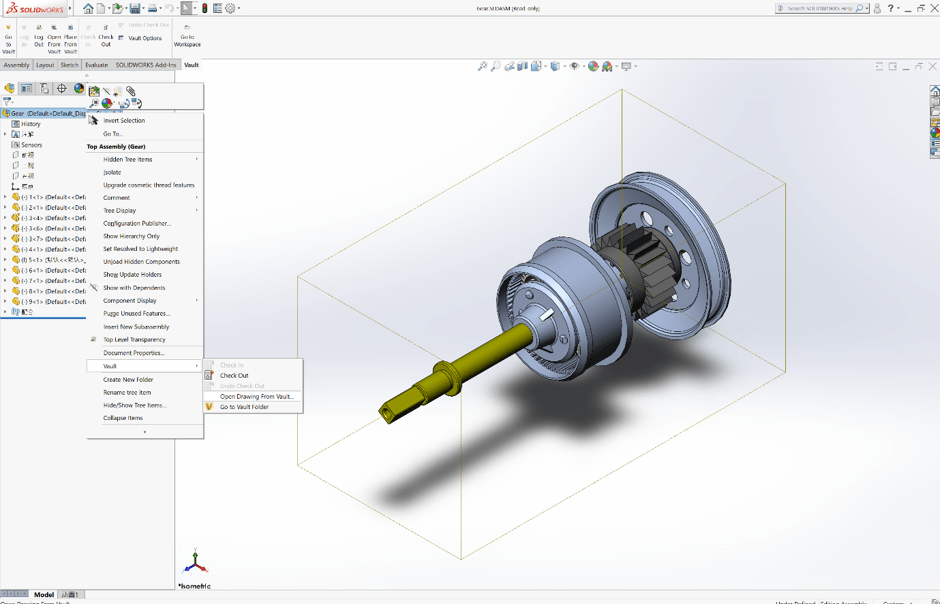
You can access this application extension from the Autodesk App Store. You will require an active Autodesk Subscription of Autodesk Vault Professional 2020 to use this extension:
https://apps.autodesk.com/VLTC/en/Detail/Index?id=3187056223536920922&appLang=en&os=Win64
The new version of the Solidworks Vault add-in features vastly improved performance which is comparable to that inside of the Native Autodesk Inventor or AutoCAD interfaces, due to a completely re-designed and re-written extension from the ground up.
On top of the drastically improved performance, you are now able to extract BOM (Bill of Materials) from your Assemblies and Cut Lists from your Structural Parts in Solidworks to further streamline your existing workflows.
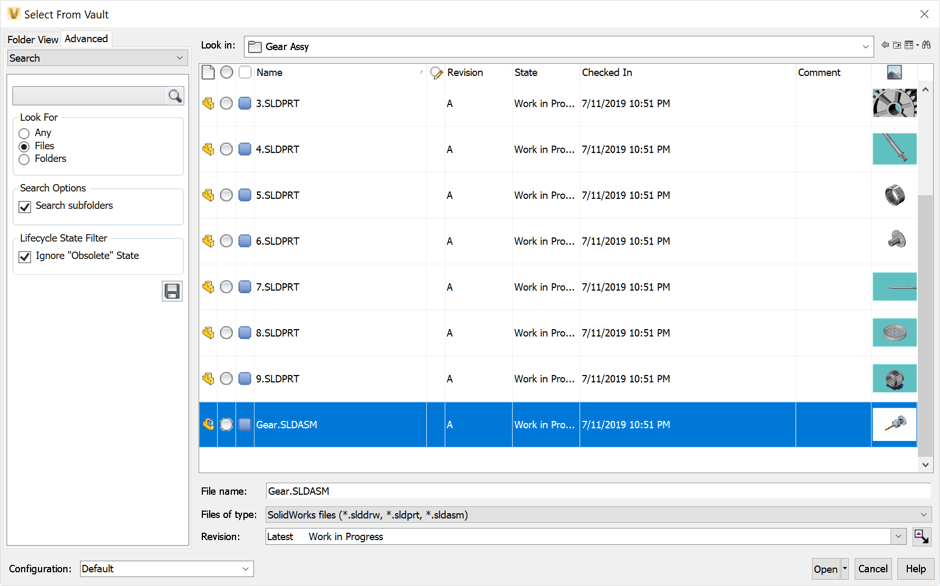
This add-in supports version of Solidworks from 2017 to 2019 at the time of writing for Autodesk Vault Professional 2020.
Happy Vaulting!
Still got Questions?
Book Training
With our Autodesk Vault training you will learn to consolidate and organise all product information securely for easy reference, sharing and re-use. Make sure you contact us to find out which course is right for you.
Contact Us
We are here to ensure you receive a consistently high service and quality solutions for your business needs. We promise you won’t regret speaking to us, and if we can’t help you, we will try to find someone that can.