


New Install Experience
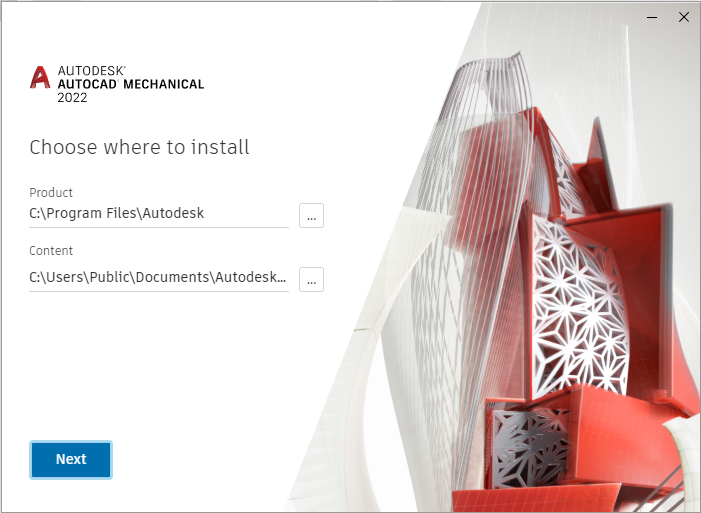
The new install features a much easier way to install AutoCAD directly from the Autodesk Desktop App.
Floating Tabs
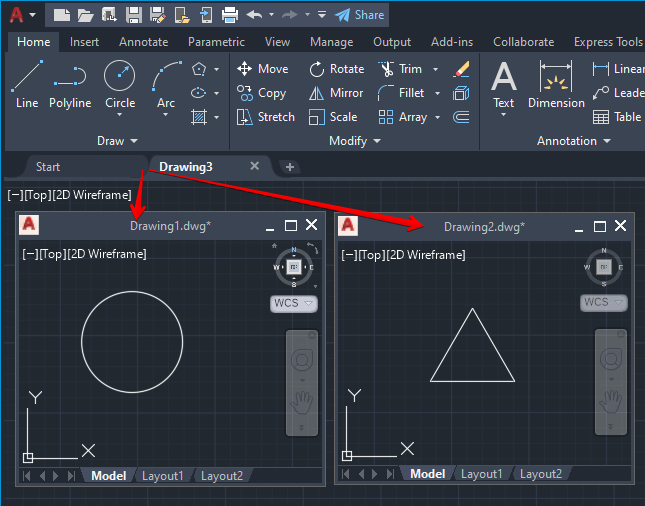
New floating tabs have been added which allows you to drag, drop and re-size a drawing tab anywhere on your screen or even drag them onto another monitor. This enables you to view multiple drawings at once quickly and easily whilst only having one instance of AutoCAD open.
Count Palette
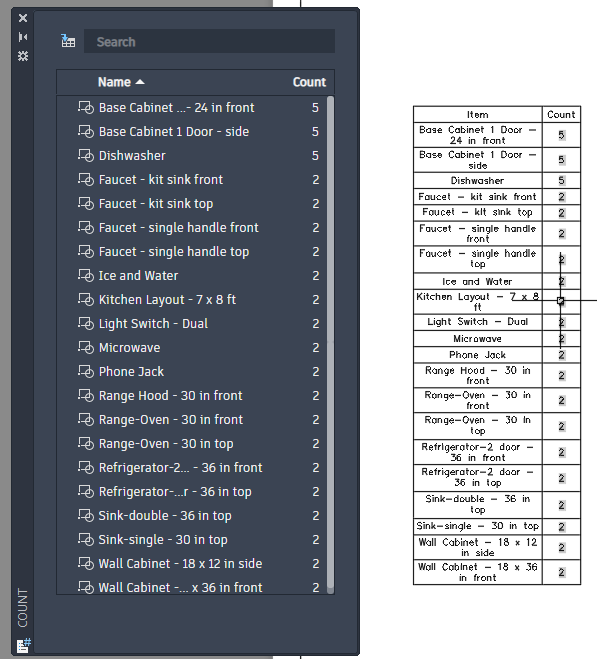
A new count palette has been added which allows you to view and count objects or blocks with similar properties in your drawing. This gives you a list of blocks which could be used for reports such as bill of materials. Just type COUNT to activate the command.
Share Drawing
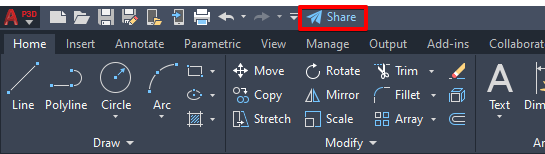
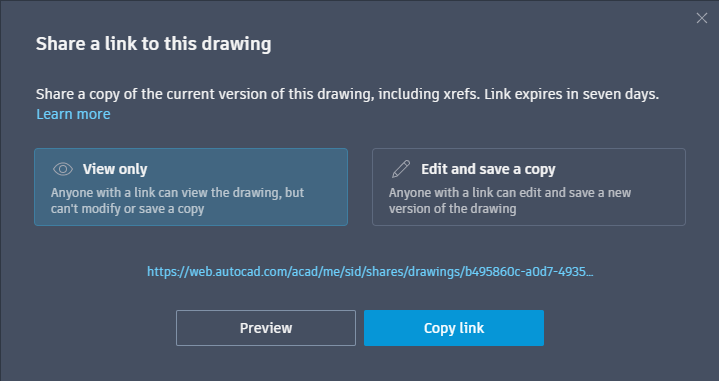
You can share drawings with colleagues, clients and contractors quickly and easily using the new share button shown above. When sharing you can choose whether to allow view only or edit, save and copy permissions. The drawings are hosted on the internet and accessible by anyone who has an Autodesk account and access to the link.
Trace
A new trace feature has been added to the collaboration tool for AutoCAD 2022. This enables collaborators to add trace elements such as rev clouds, text and objects as required.
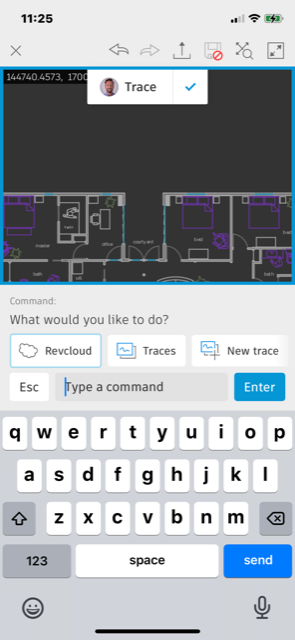
Trace elements sit on top of the drawing allowing collaborators to make as many comments and notes as they require with full confidence that they will not affect or change any of the design intent in the drawing model.
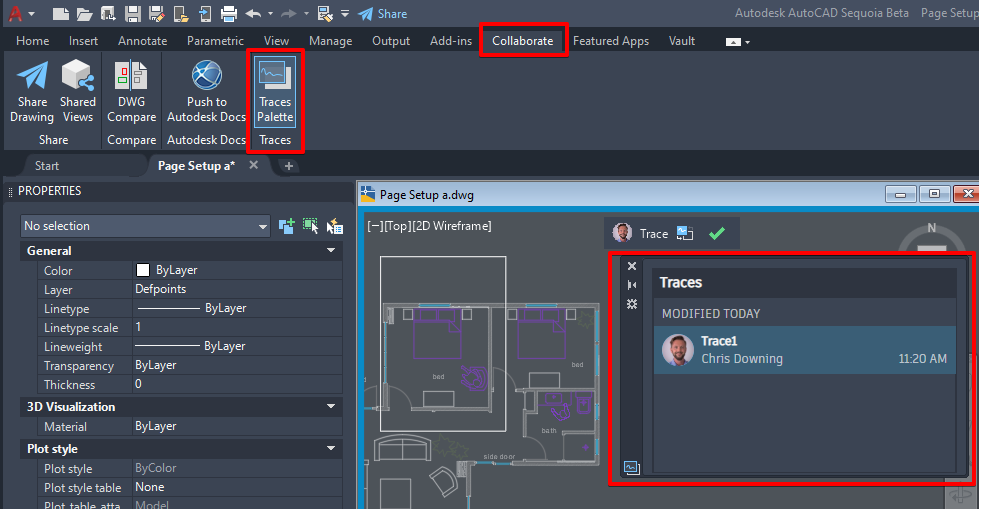
Traces can be viewed in AutoCAD on the Collaboration panel on the AutoCAD desktop app.
Still got Questions?
Book Training
With our range of AutoCAD courses we can teach you best-in-class 2D and 3D design skills. This includes drawing, taking measurements, producing templates and everything required to create your designs.
Contact Us
We are here to ensure you receive a consistently high service and quality solutions for your business needs. We promise you won’t regret speaking to us, and if we can’t help you, we will try to find someone that can.