


One of the most important commands in AutoCAD is the UNDO command but what if you ERASE an object and then carry out a load of good commands before deciding that you shouldn’t have erased that object….?
You don’t want to UNDO all that good work just to replace that object and it’s quite a lot of work to re-draft the same object with the exact dimensions…
Well look no further folks the OOPS has come to the rescue!!! The OOPS command will restore the last deleted object.
You can even use OOPS after a BLOCK or WBLOCK command as these have options that can erase selected objects after the creation of a BLOCK.
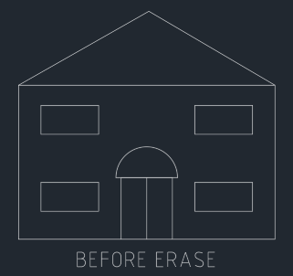
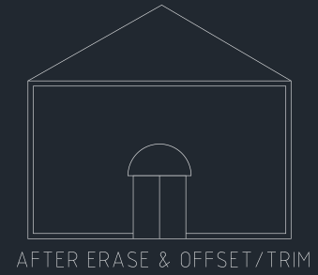
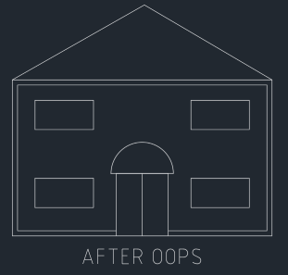
(TIP: You can’t OOPS something that existed on a deleted or purged layer.)
Happy OOPSing.
Still got Questions?
Book Training
With our range of AutoCAD courses we can teach you best-in-class 2D and 3D design skills. This includes drawing, taking measurements, producing templates and everything required to create your designs.
Contact Us
We are here to ensure you receive a consistently high service and quality solutions for your business needs. We promise you won’t regret speaking to us, and if we can’t help you, we will try to find someone that can.